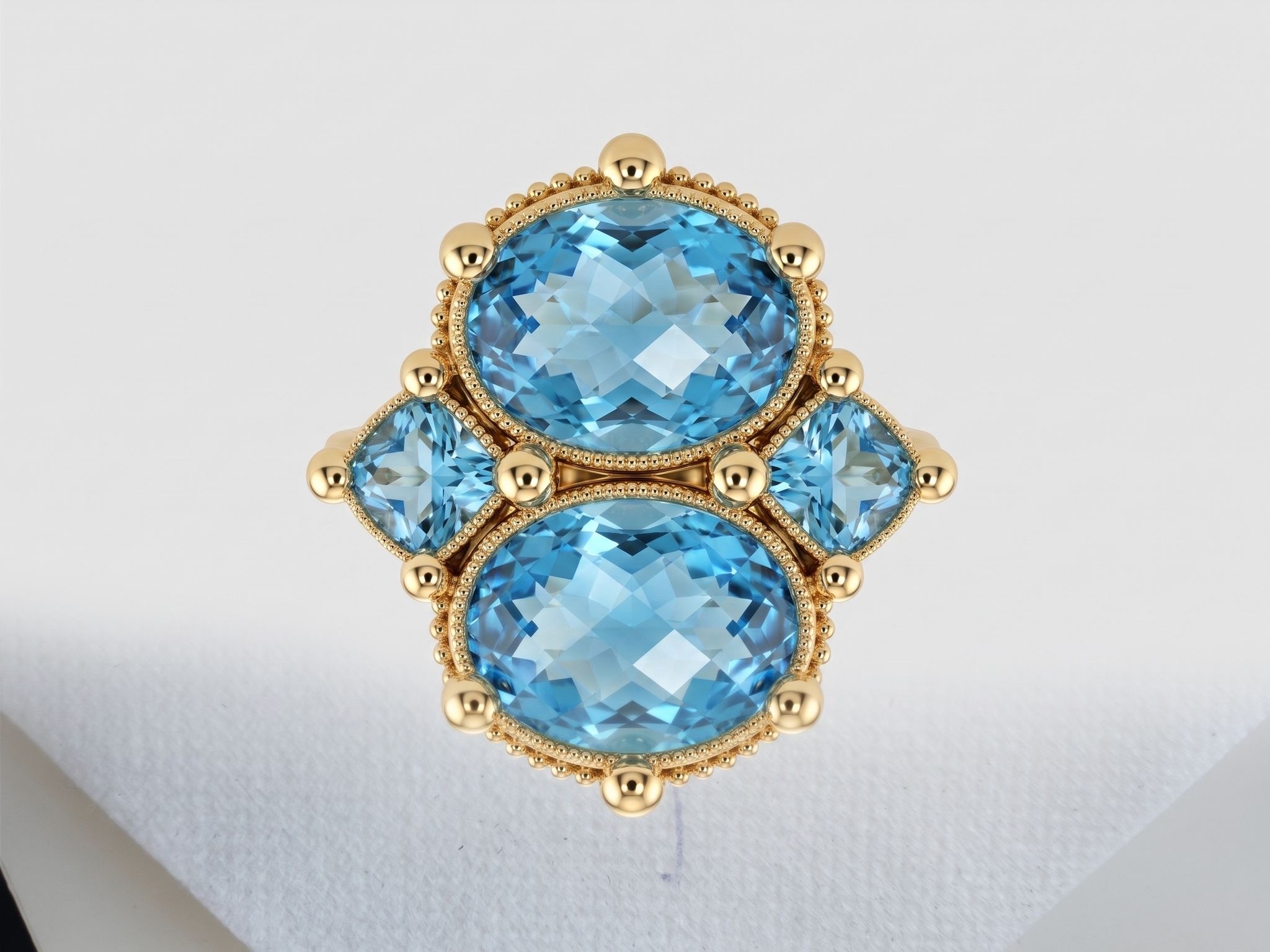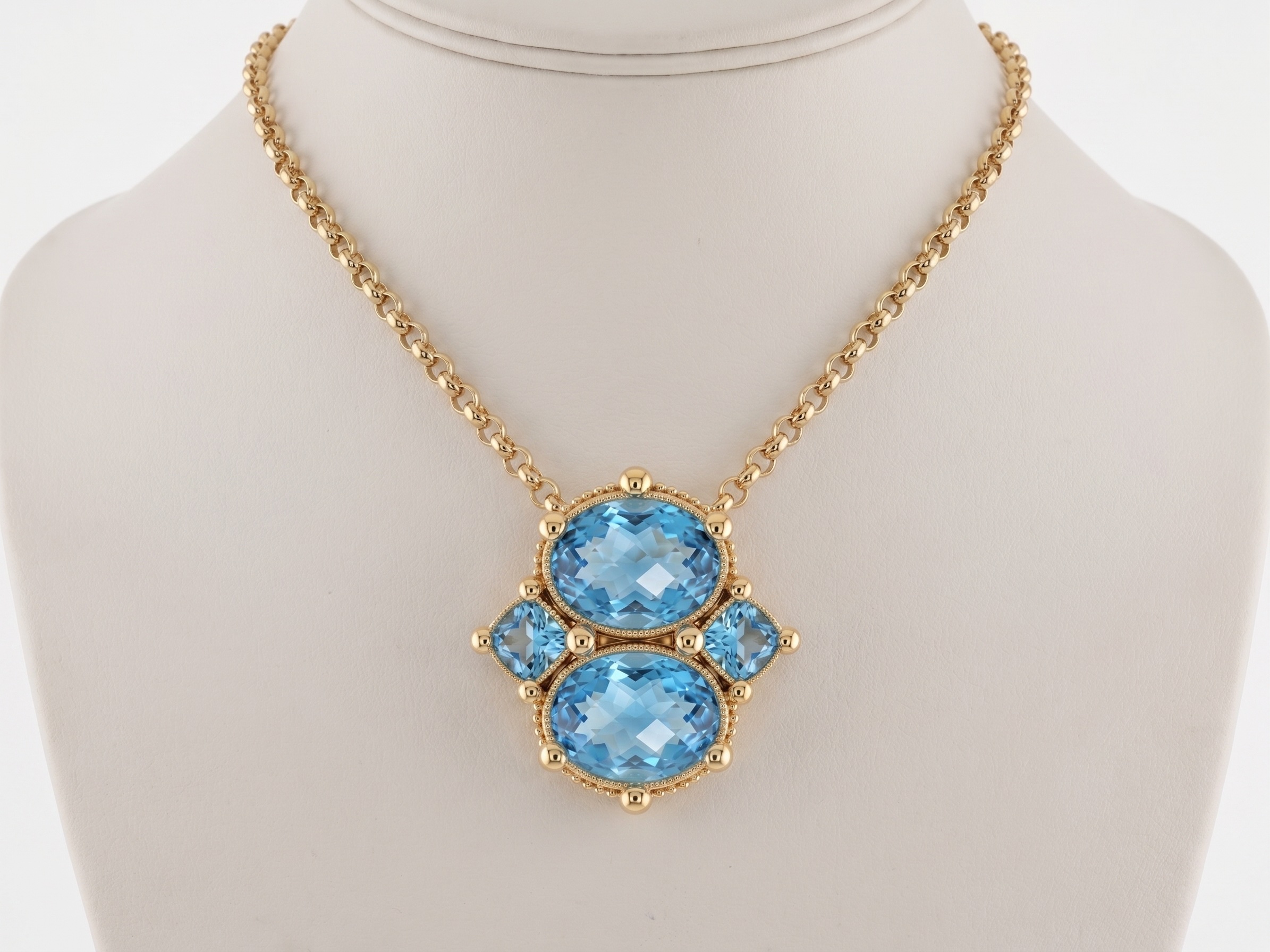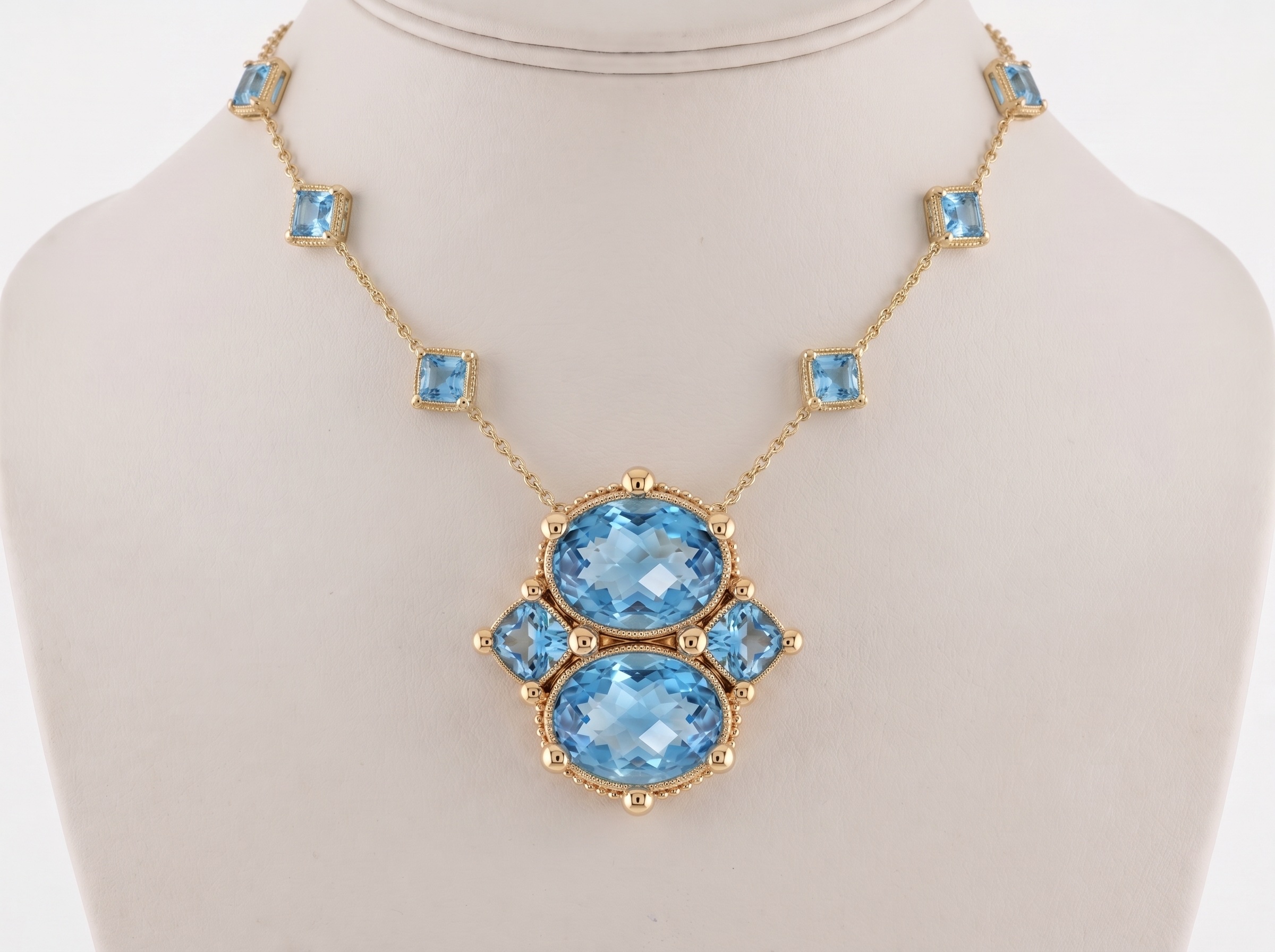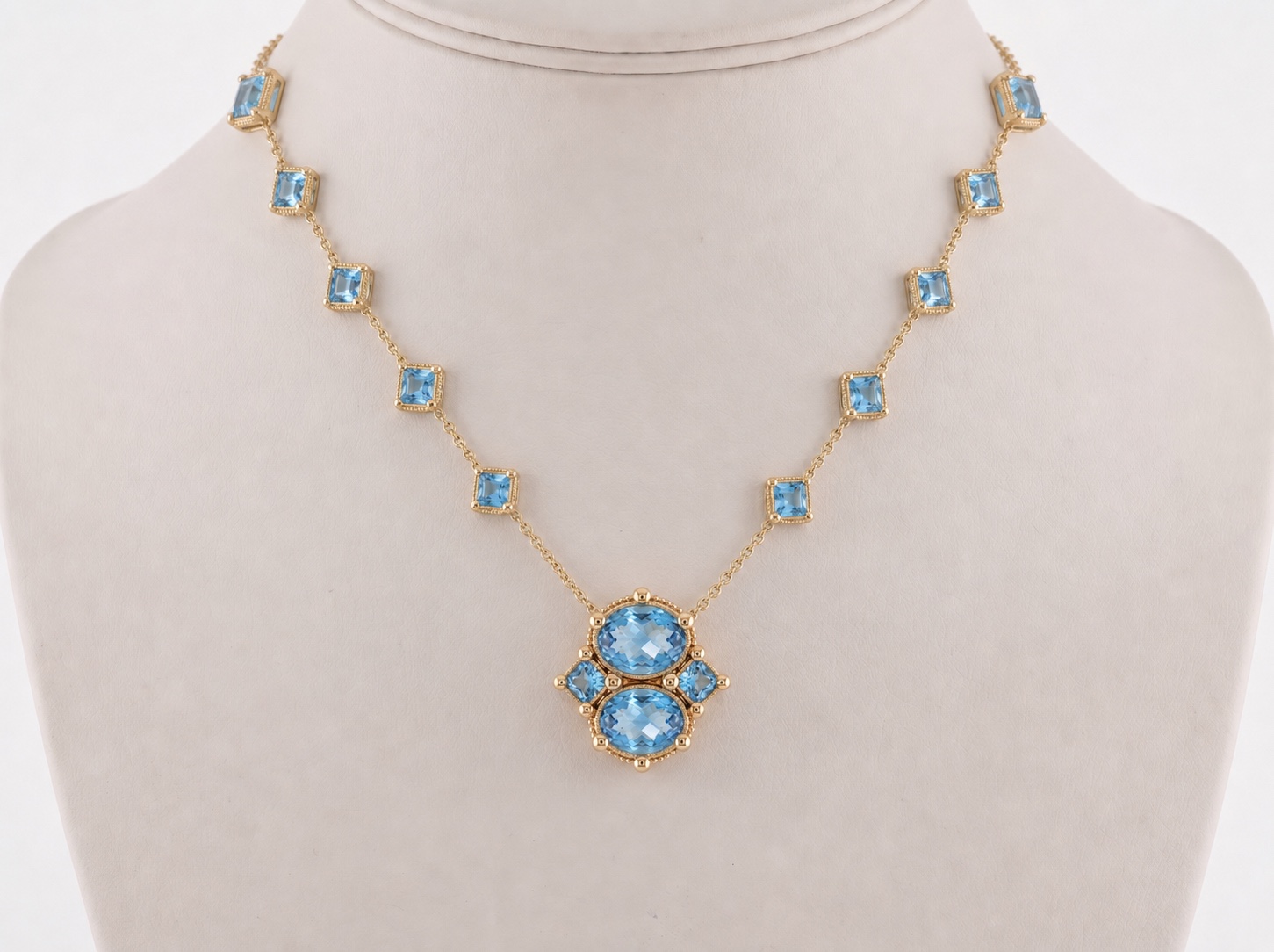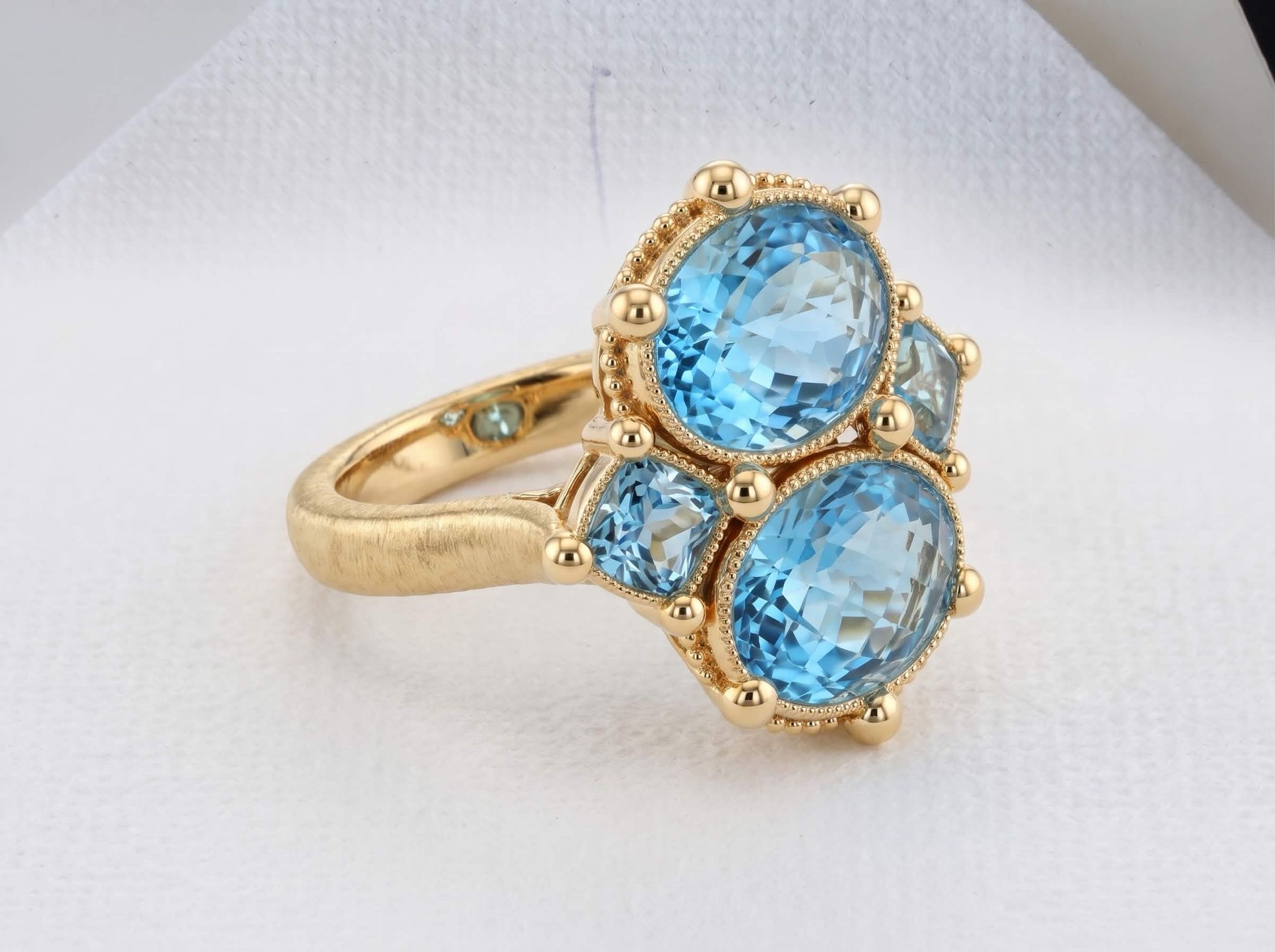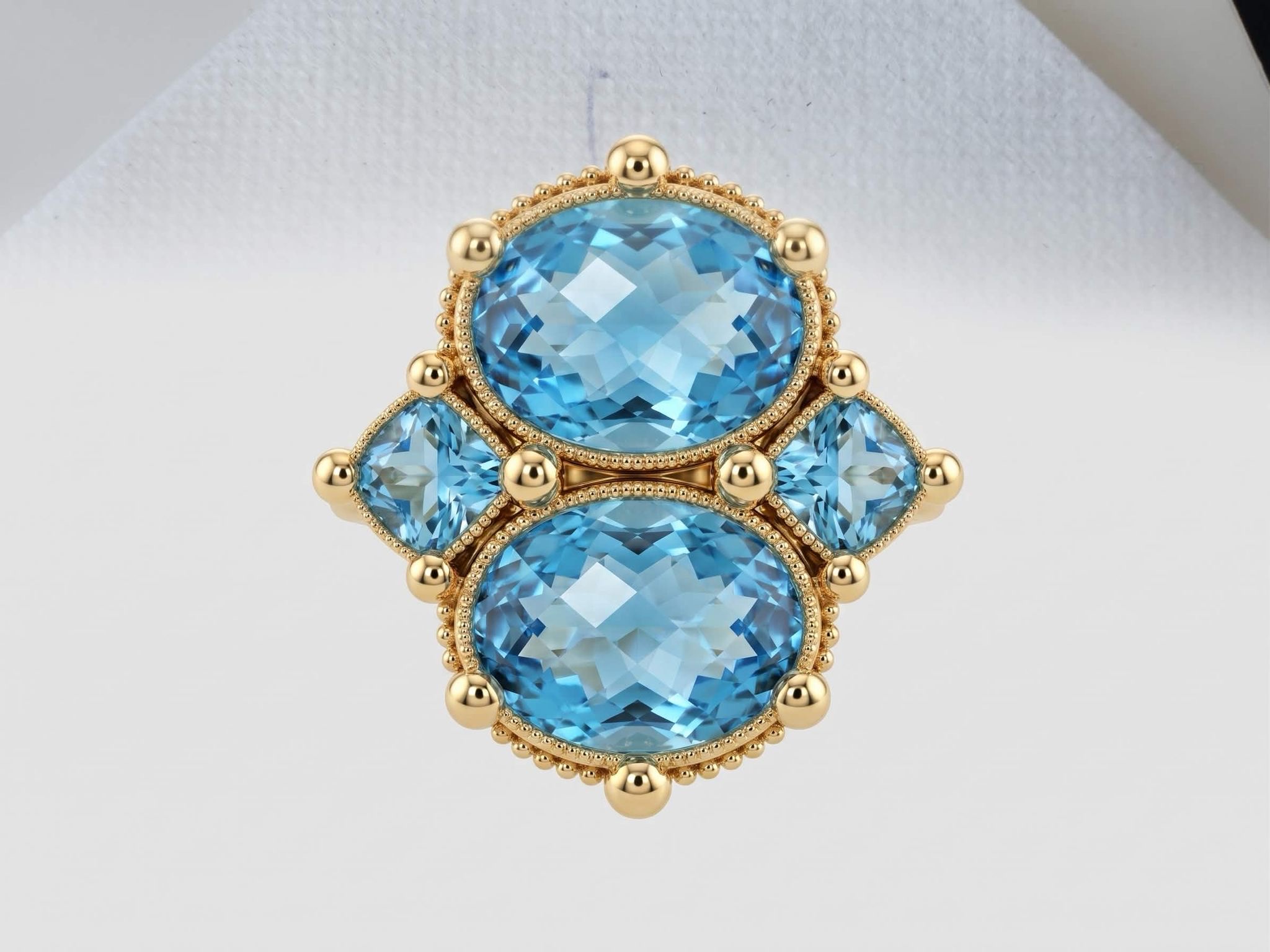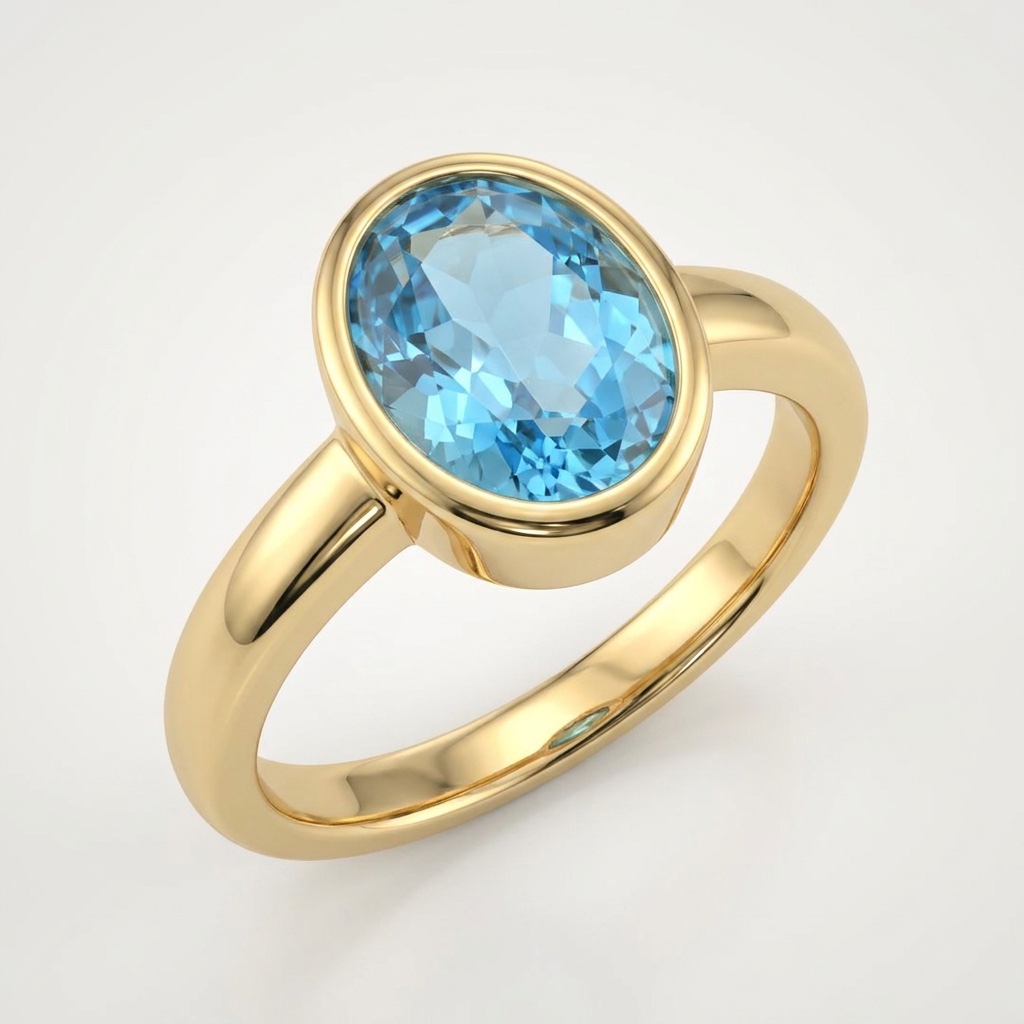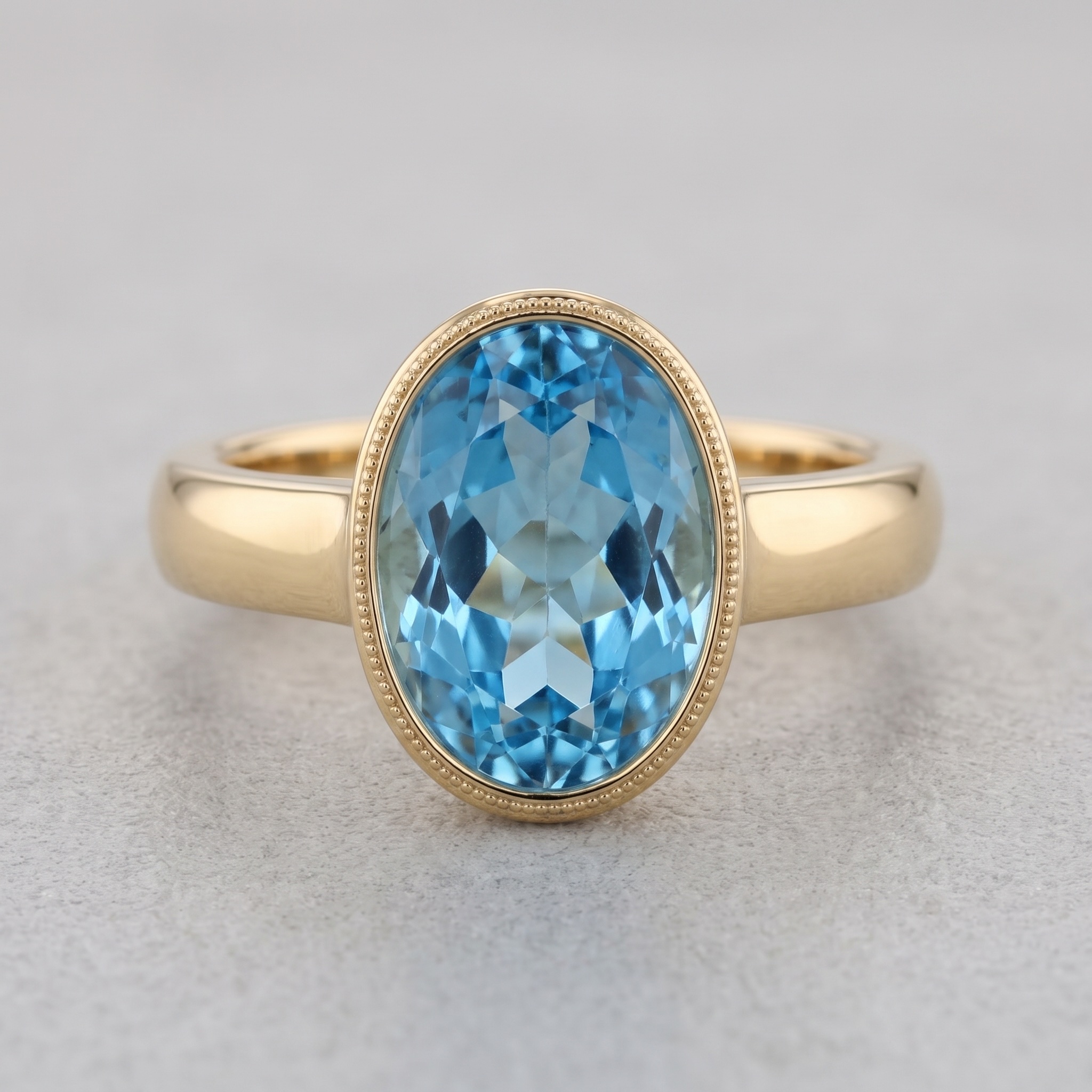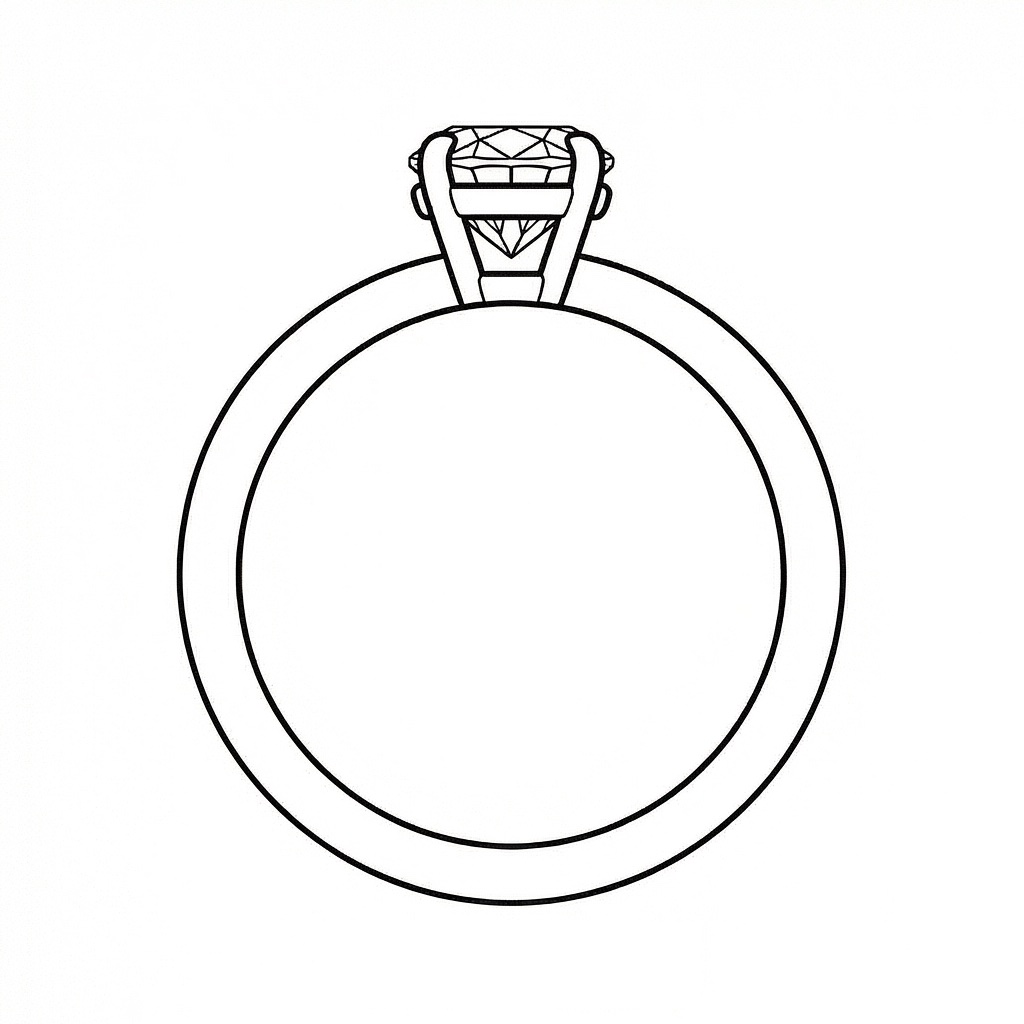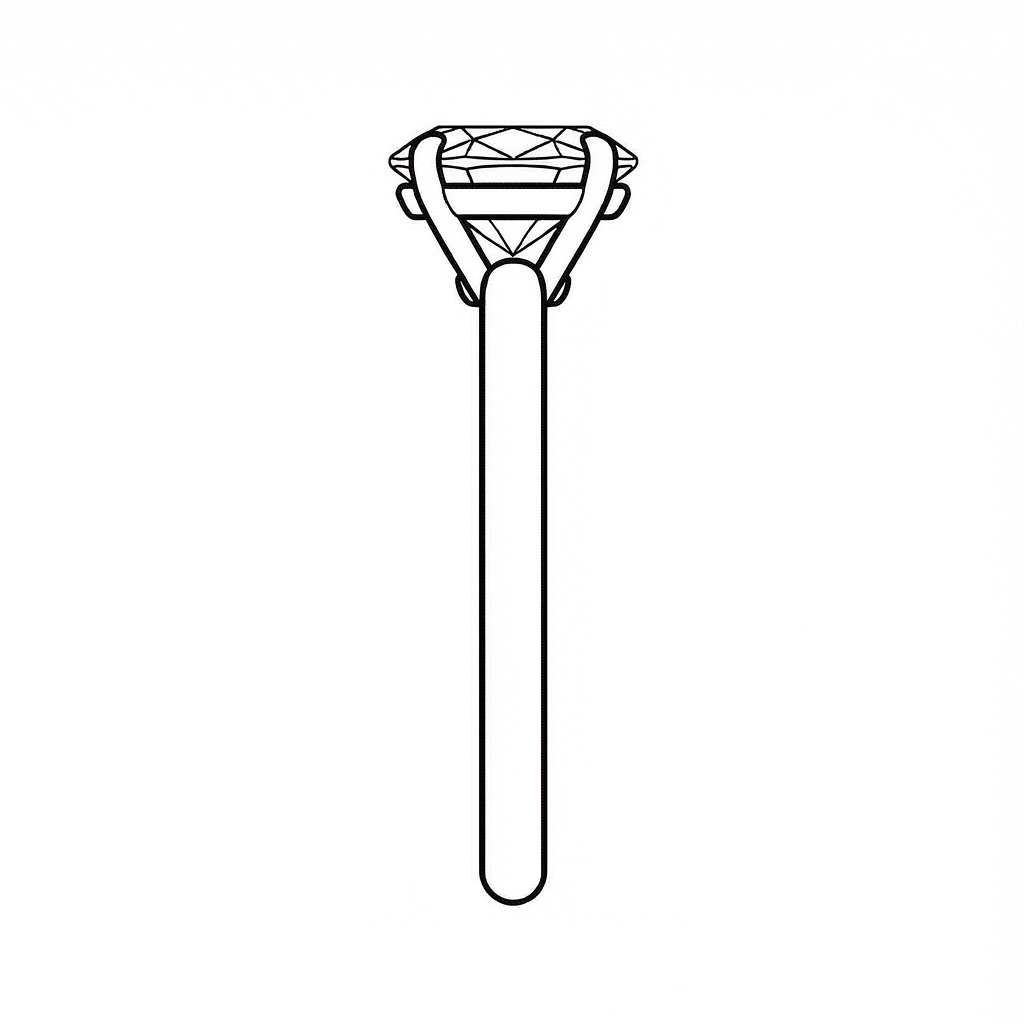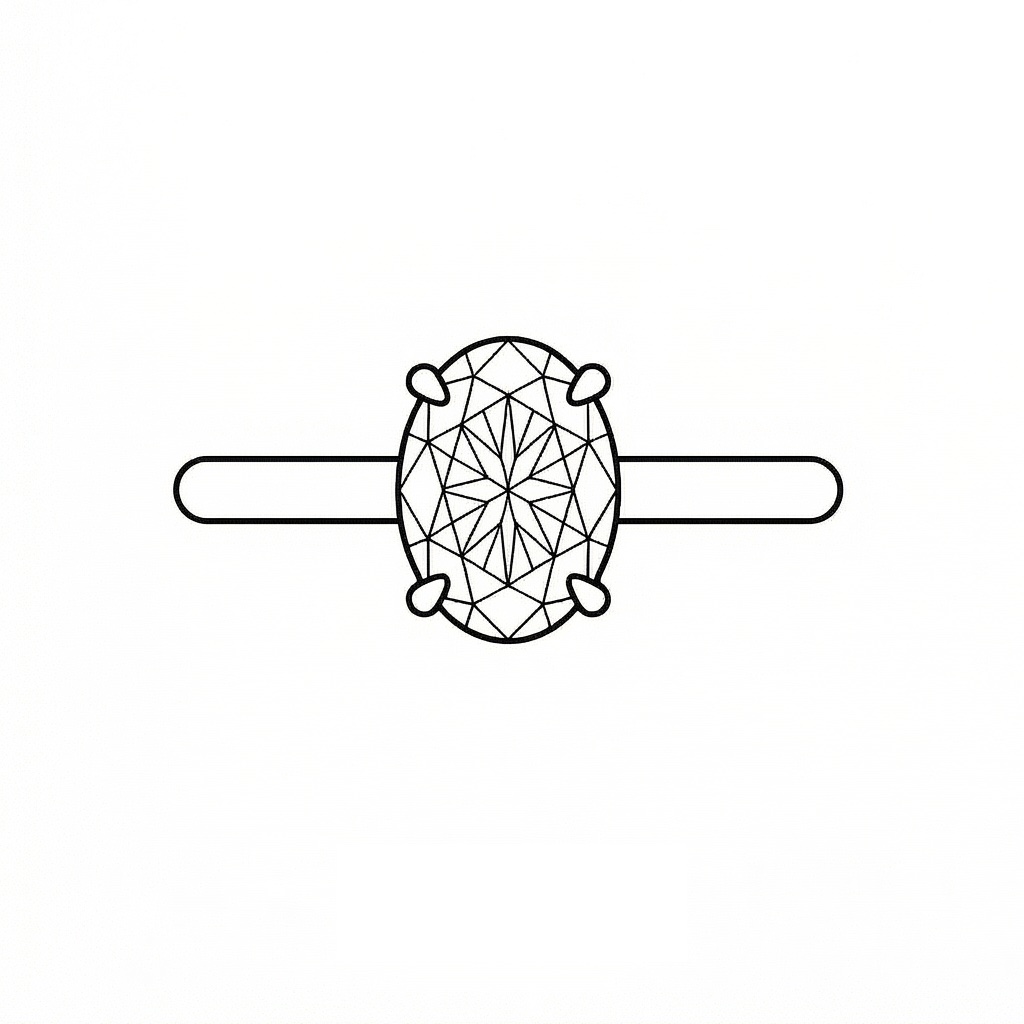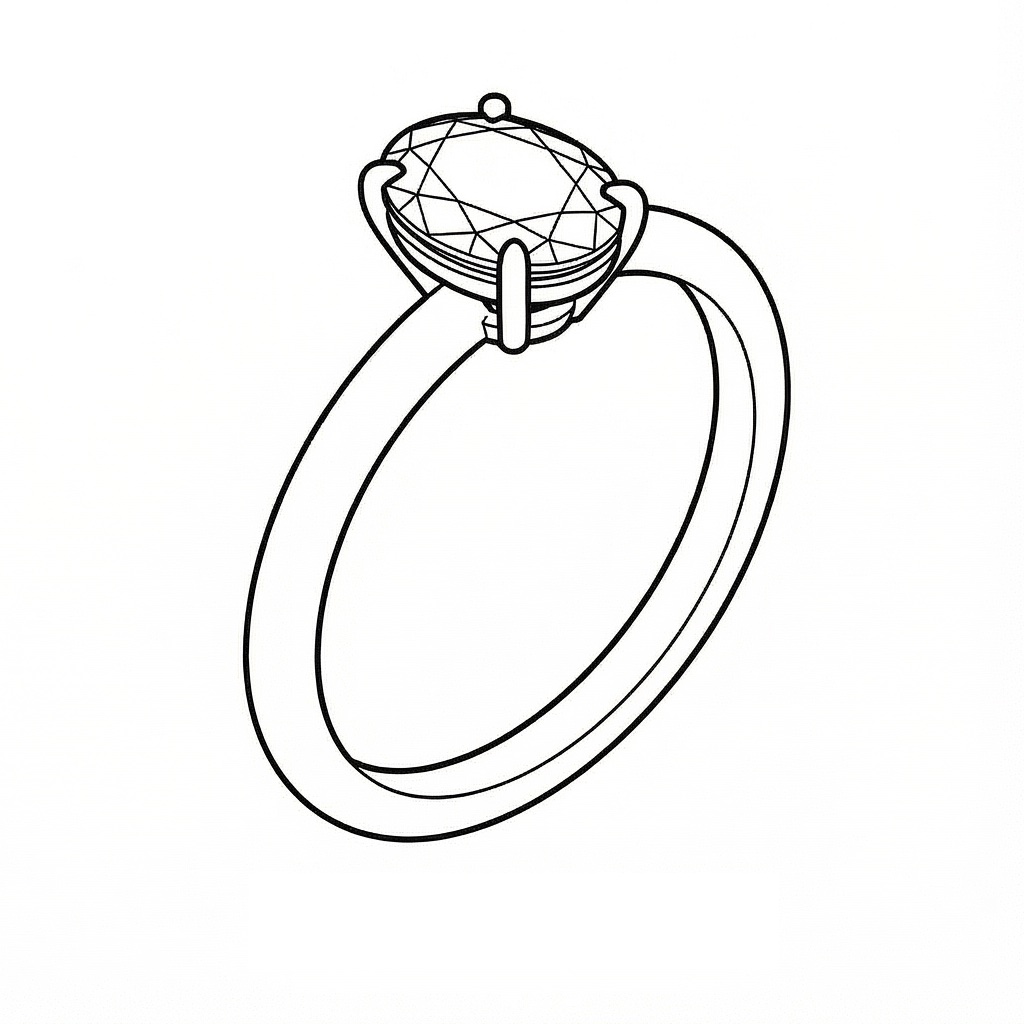
GOLD
$143.23/g
-3.19%
SILVER
$2.13/g
-4.16%
PLATINUM
$58.59/g
-1.56%
Welcome Facet Flow Studio
Select an assistant to get started:

Design

AI-powered jewelry design

Concierge

Smart guidance on any piece

Pricing

Jewelry retail and cost analysis

Stones

Stone discovery and sourcing

Start Design Studio Chat
SI

Welcome to Design Studio

I'm your jewelry design assistant with image generation and editing capabilities.

What I can help with:

• Custom designs from text descriptions

• Design modifications with image annotations

• Material variations (metals, stones, finishes)

• Style combinations from multiple references

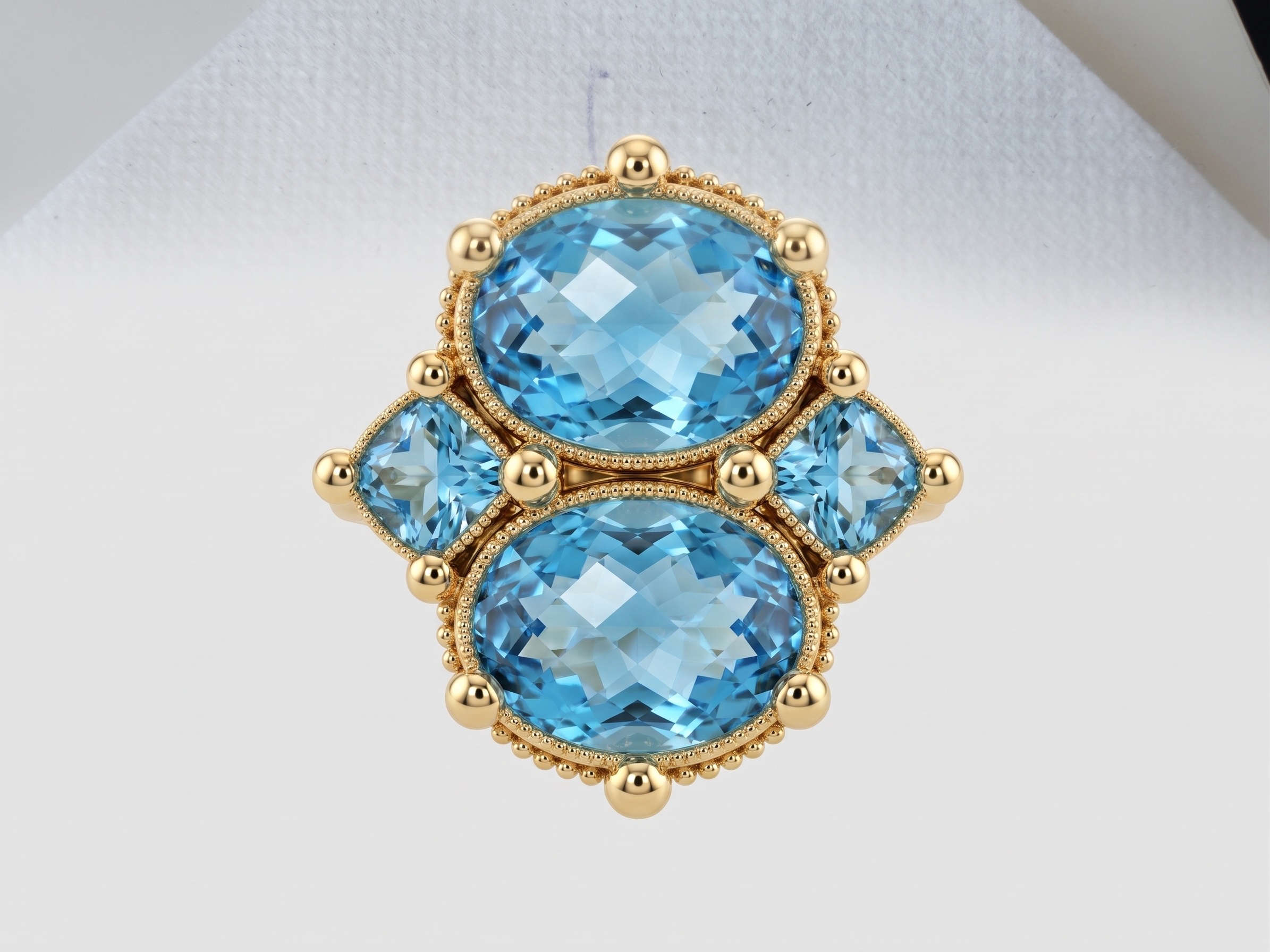
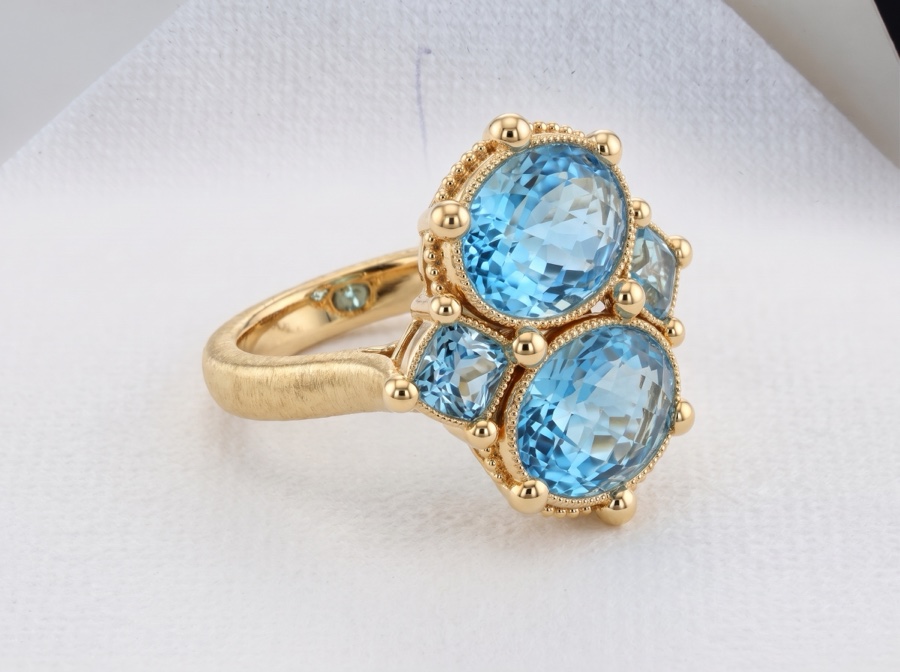
Take image 1 and re-create a side view of only image 1. Reference the design shape of image 2
Loading...
facet-flow-reference-image-1.png
Loading...
facet-flow-reference-image-2.png
·
SI

Here is your design!

Select a design to annotate, iterate on, or download:

Loading...
facet-flow-generated-design-pro.png
Option 1
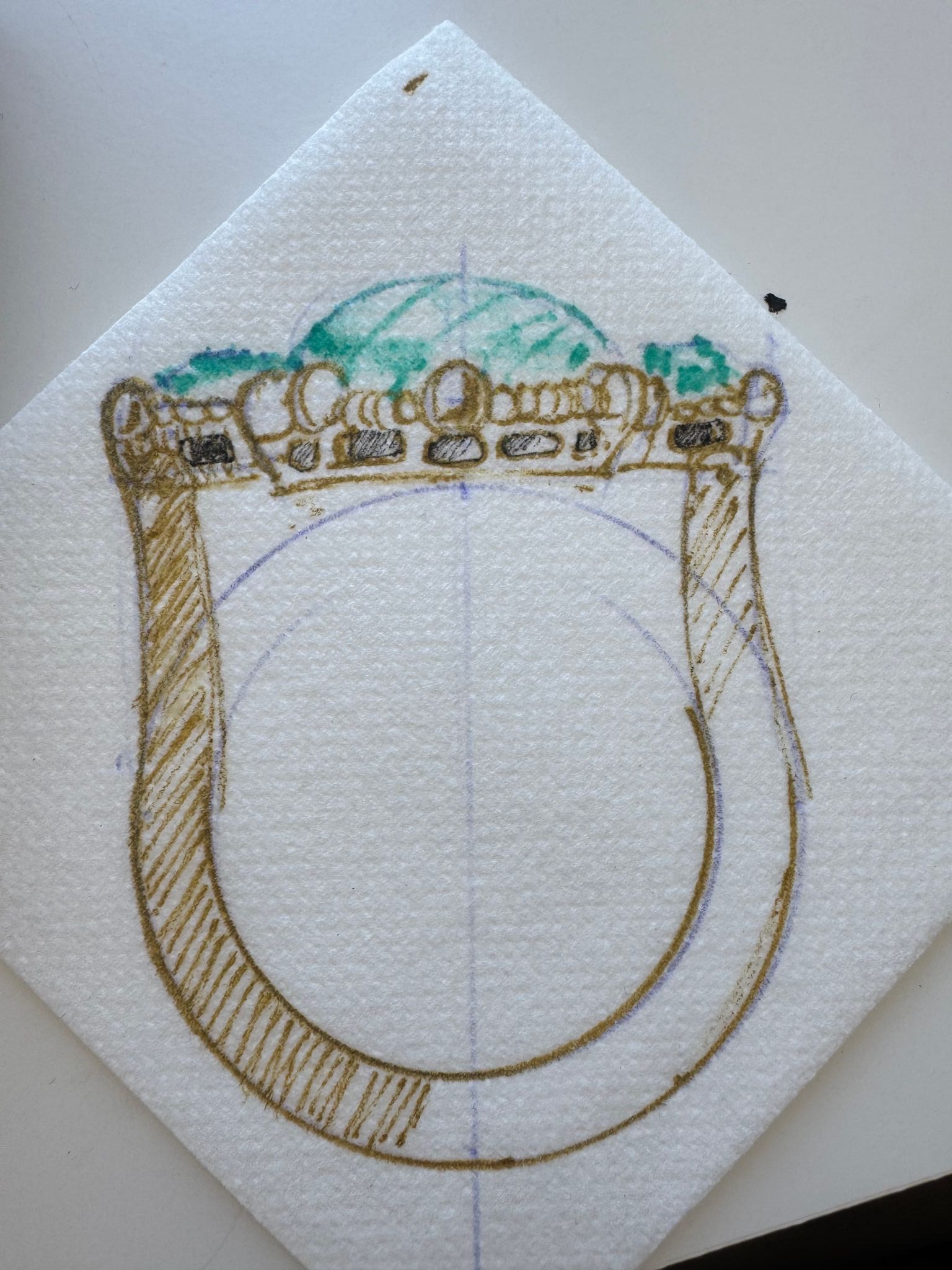
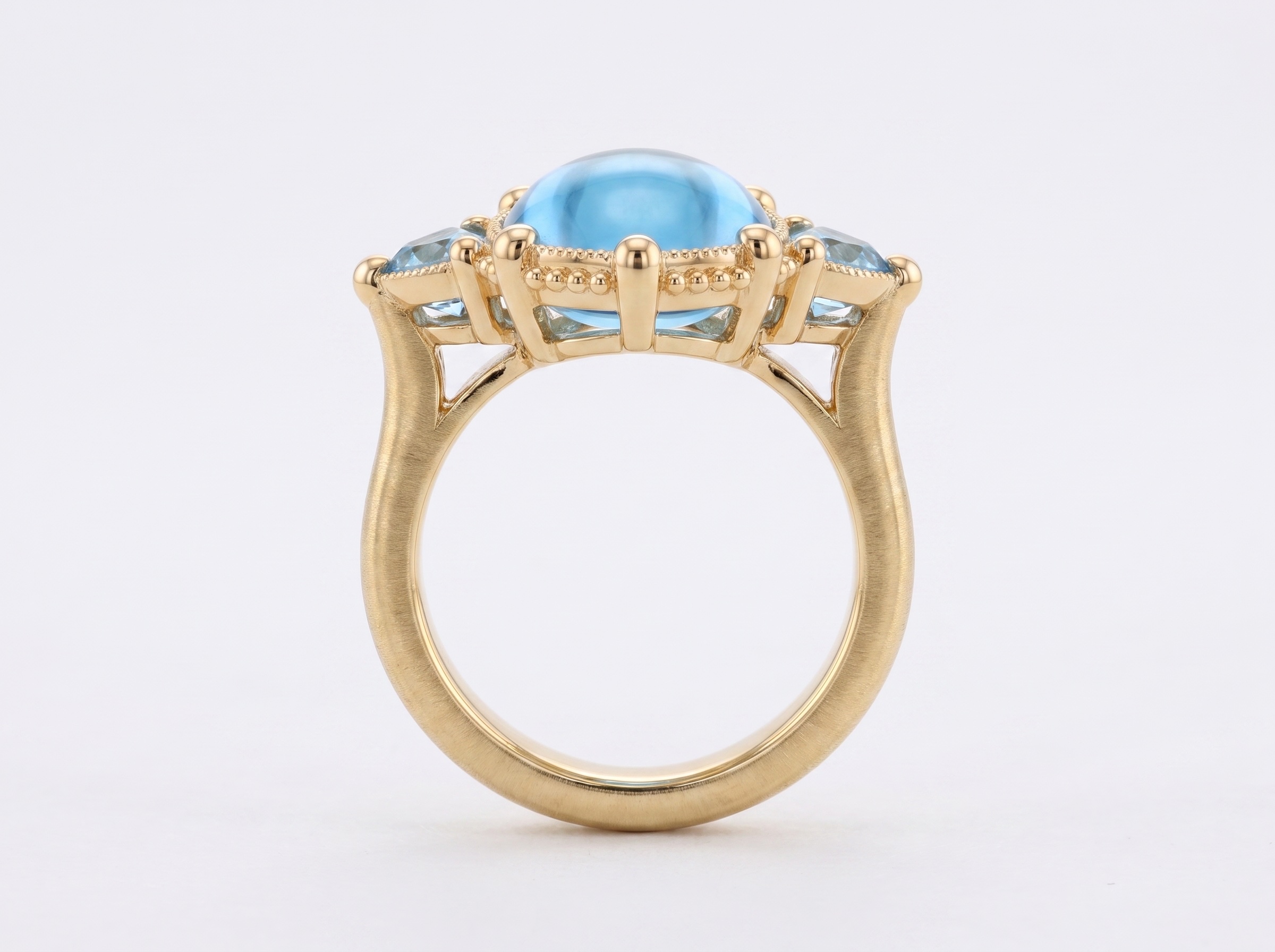
Visualize image 2 as a real piece of jewelry do not change the view, re-create the image in the exact same side view so you can see the area that the finger will fit in between the ring. Use the design of the ring from image one. Make sure the shank is shaped like a U and connects to the setting in gallery creating a 90° finger rest. The gallery should be flat and very wide and connect to the shoulder of the U-shaped band
Loading...
facet-flow-reference-image-1.png
Loading...
facet-flow-reference-image-2.png
·
SI

Here is your design!

Select a design to annotate, iterate on, or download:

Loading...
facet-flow-generated-design-pro.png
Option 1
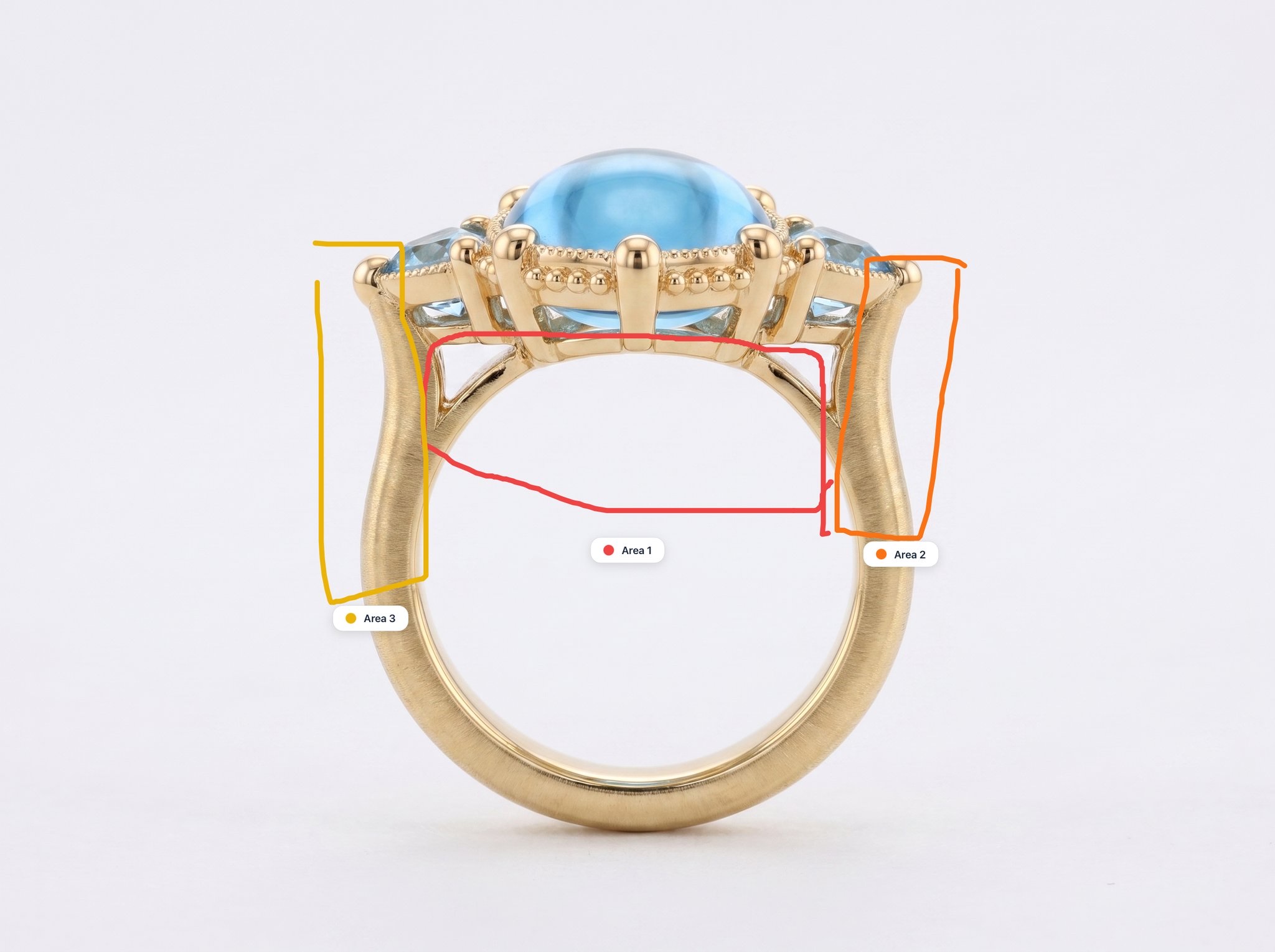
Area 1 (red): Remove this part of the ring Area 2 (orange): Make this part of the shank slightly straighter Area 3 (yellow): Make this part of the shank slightly straighter Additional instructions: Remove area one so that the inside of the ring is completely flat and straighten areas two and three shank forms of U-shaped
Loading...
facet-flow-reference-image-1.png
·
SI

Here is your design!

Select a design to annotate, iterate on, or download:

Loading...
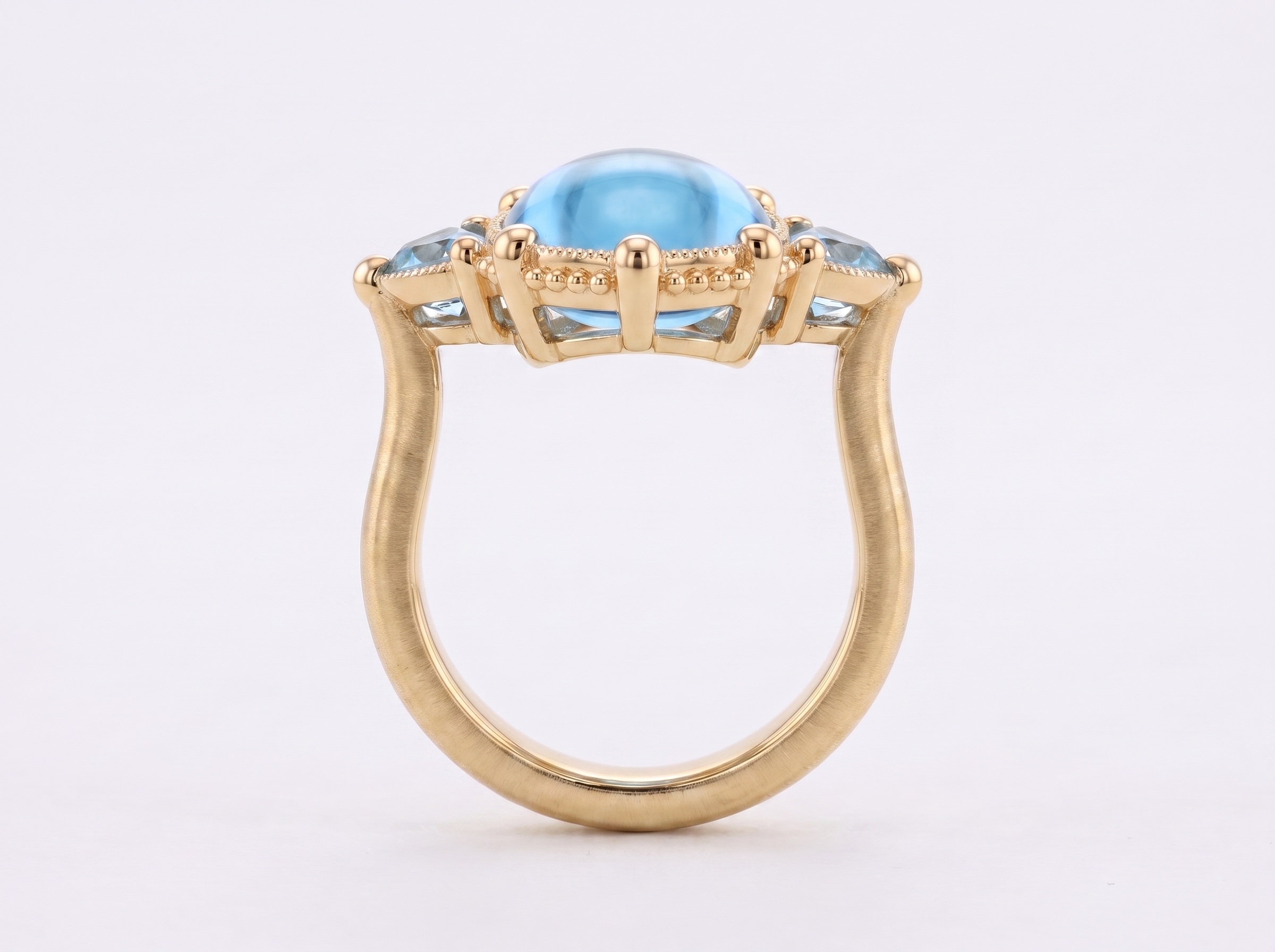
facet-flow-generated-design-pro.png
Option 1
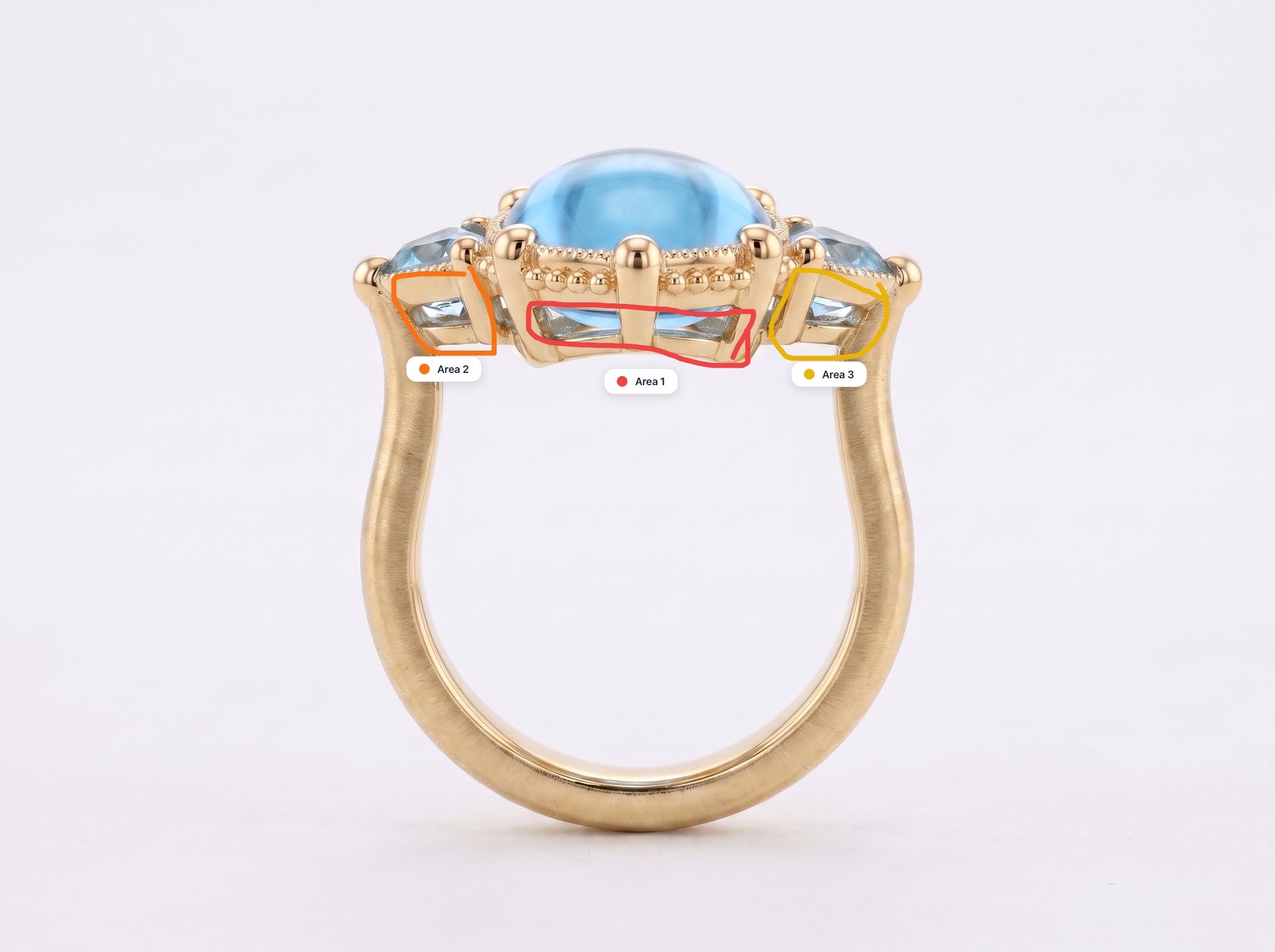
Area 1 (red): Change the gallery to have Quatrefoil  shaped cutouts so it looks more antique Area 2 (orange): Change this gallery so it has a Quatrefoil cut out so it looks more antique Area 3 (yellow): Change this side of the gallery so it has a single quatrefoil  out so it looks more antique
Loading...
facet-flow-reference-image-1.png
·
SI

Here is your design!

Select a design to annotate, iterate on, or download:

Loading...
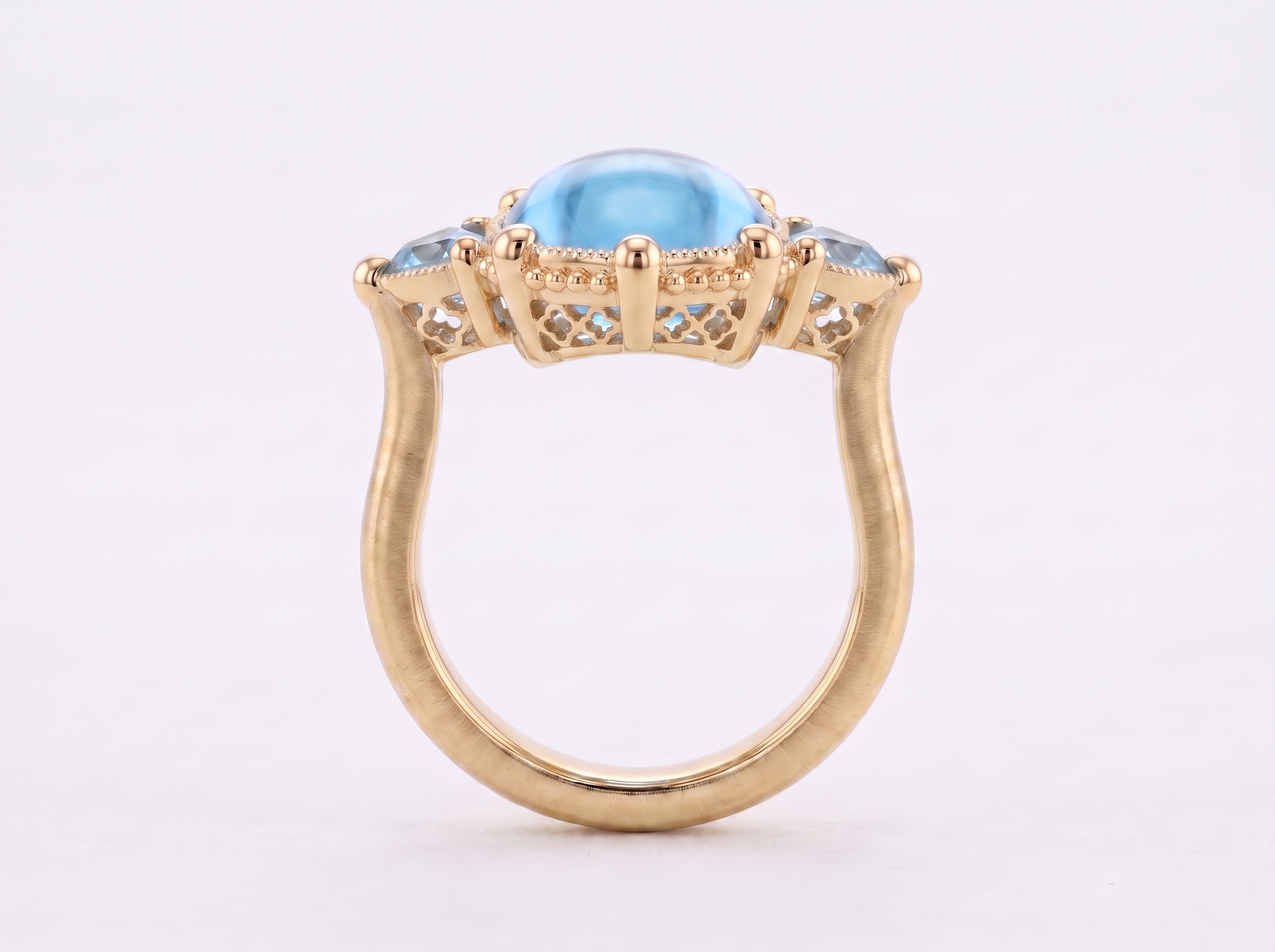
facet-flow-generated-design-pro.png
Option 1
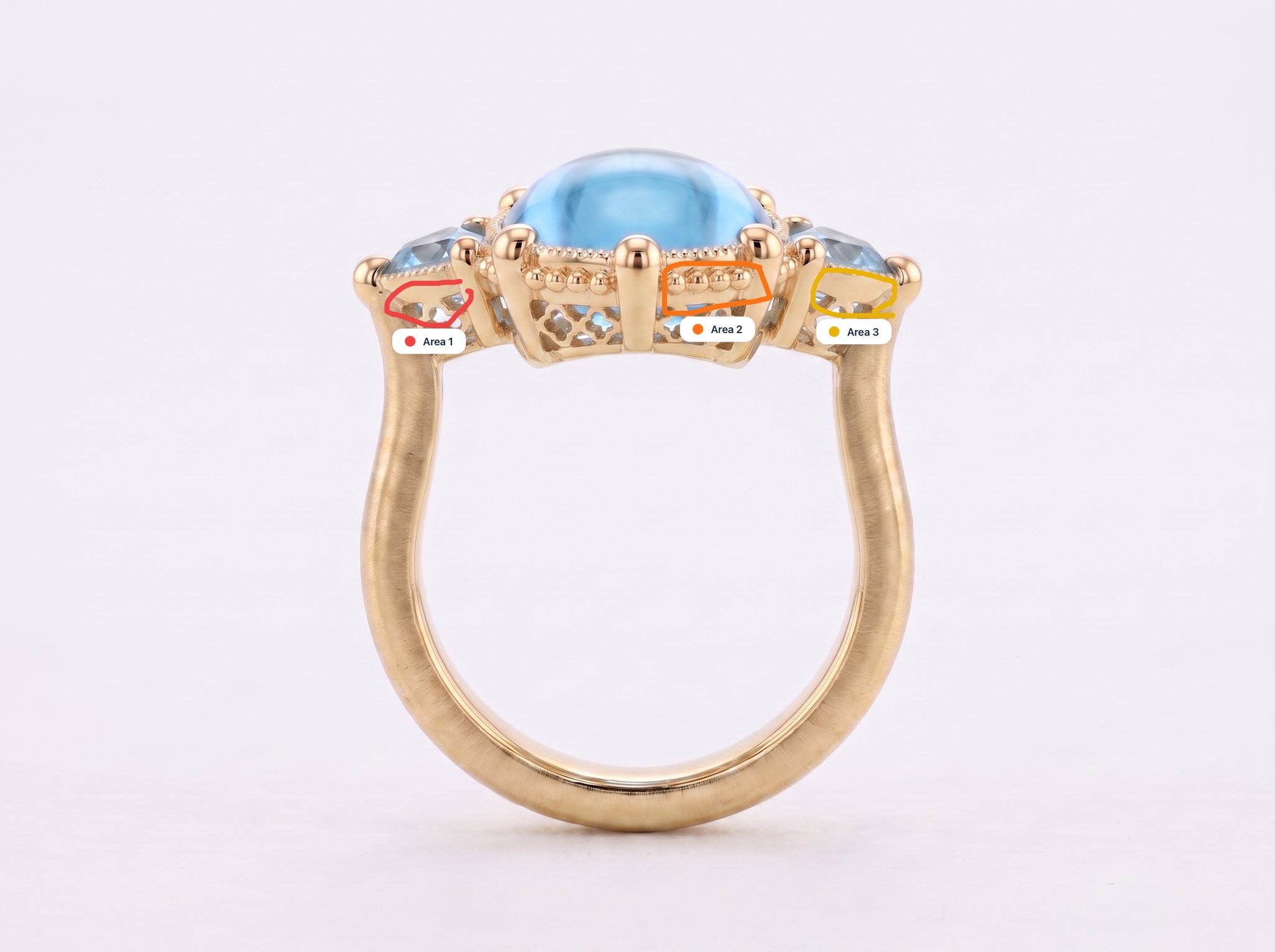
Area 1 (red): Add large beading detail to match area two Area 2 (orange): modify this area as described Area 3 (yellow): Add large beading detail to match area two
Loading...
facet-flow-reference-image-1.png
·
SI

Here is your design!

Select a design to annotate, iterate on, or download:

Loading...
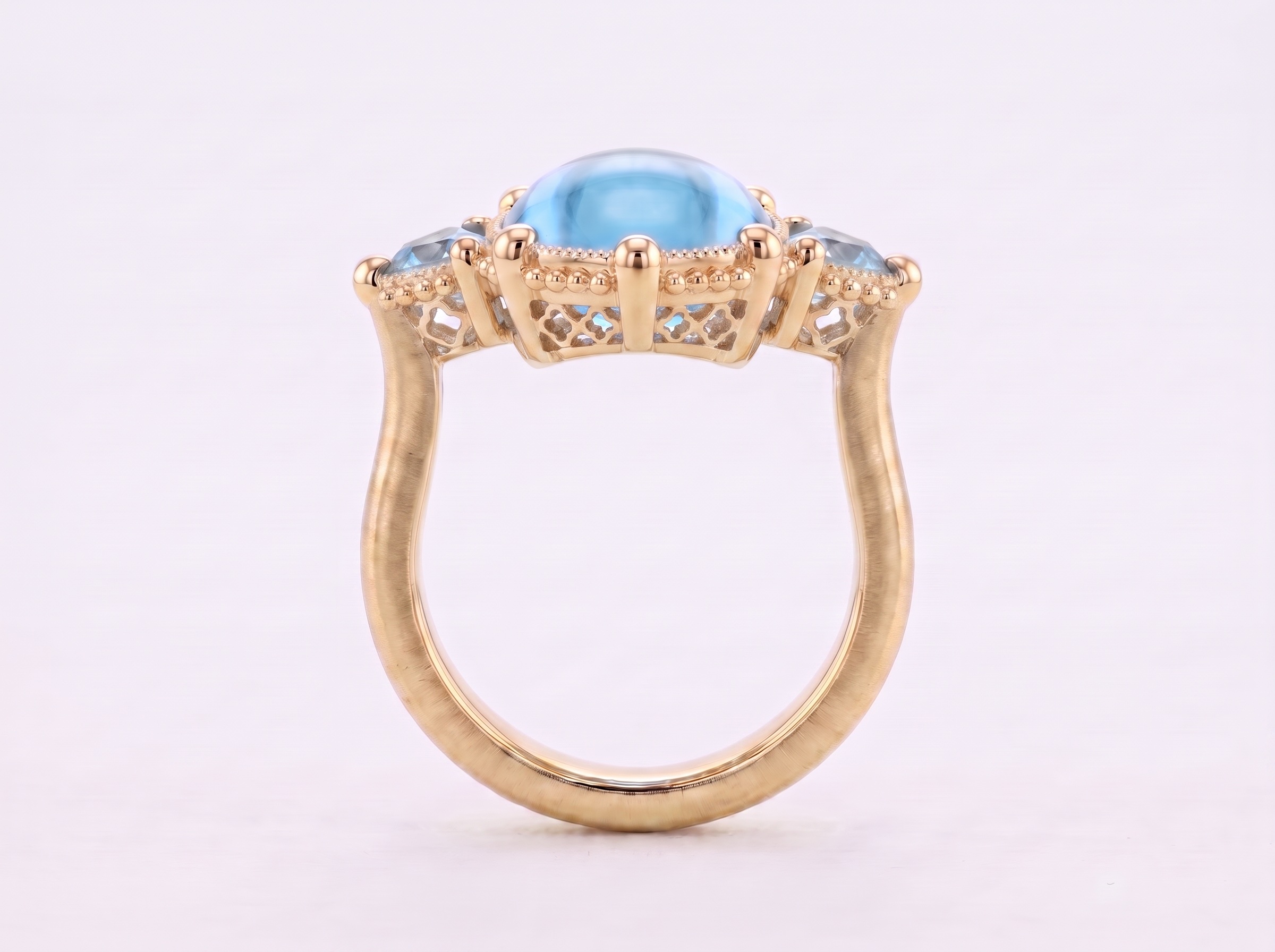
facet-flow-generated-design-pro.png
Option 1
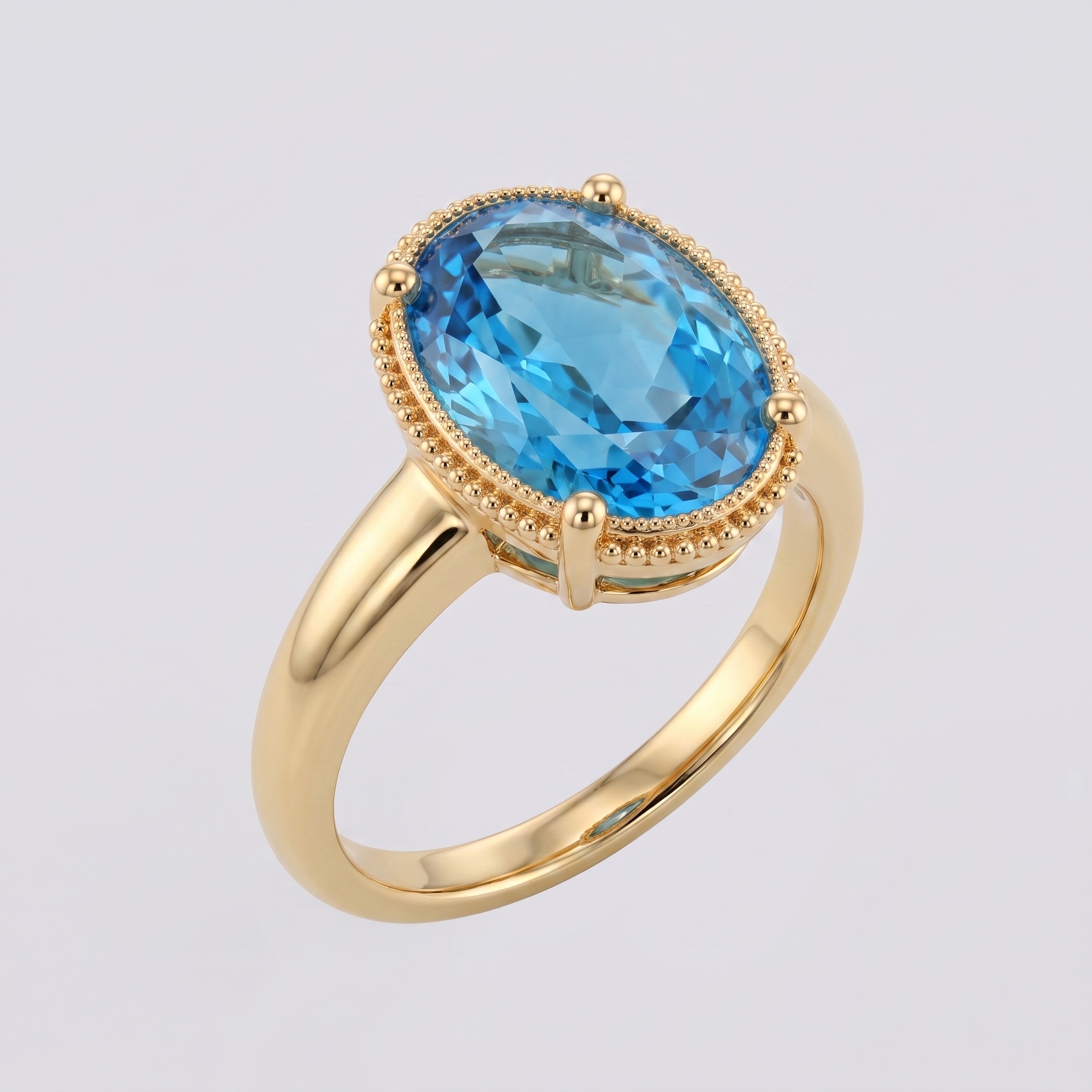
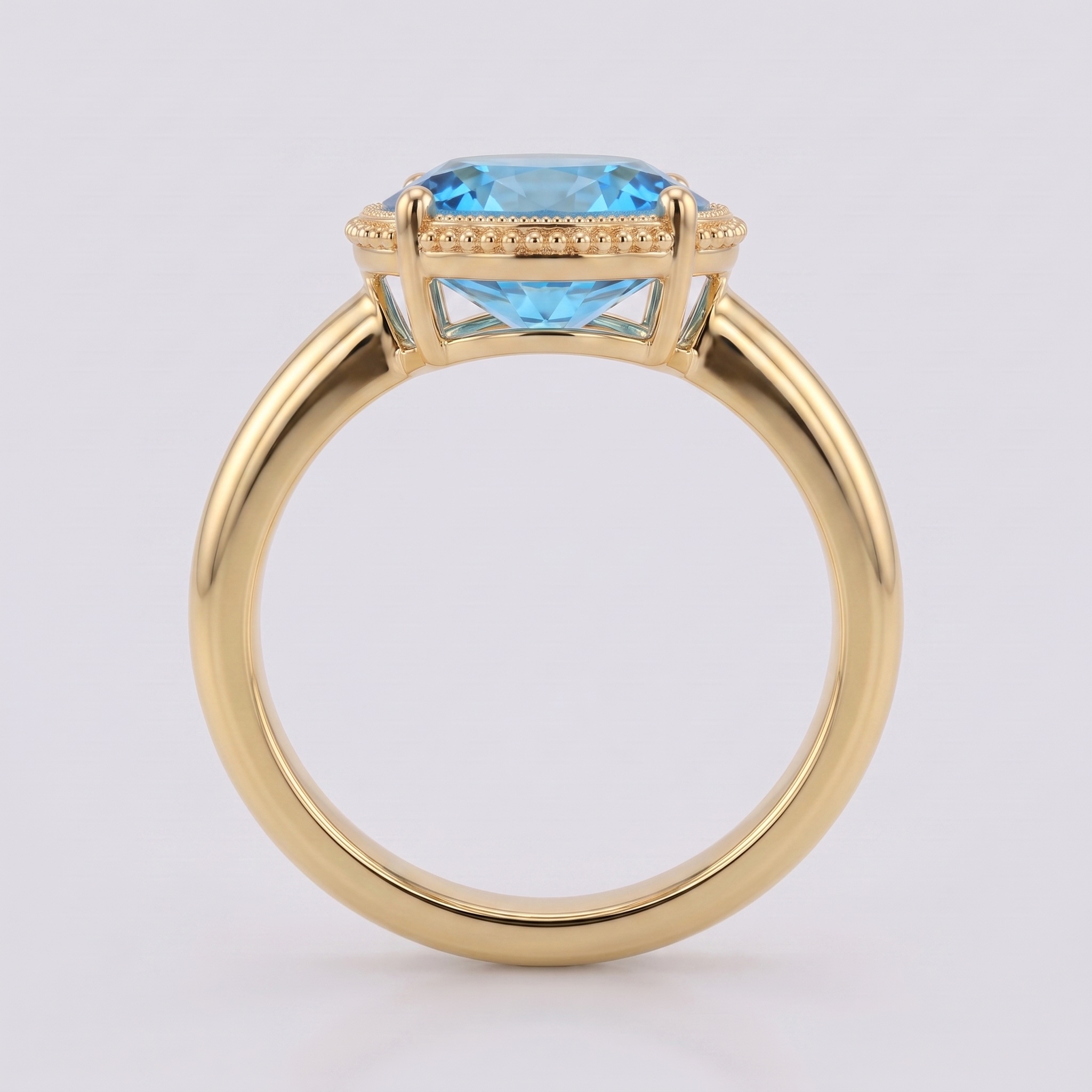
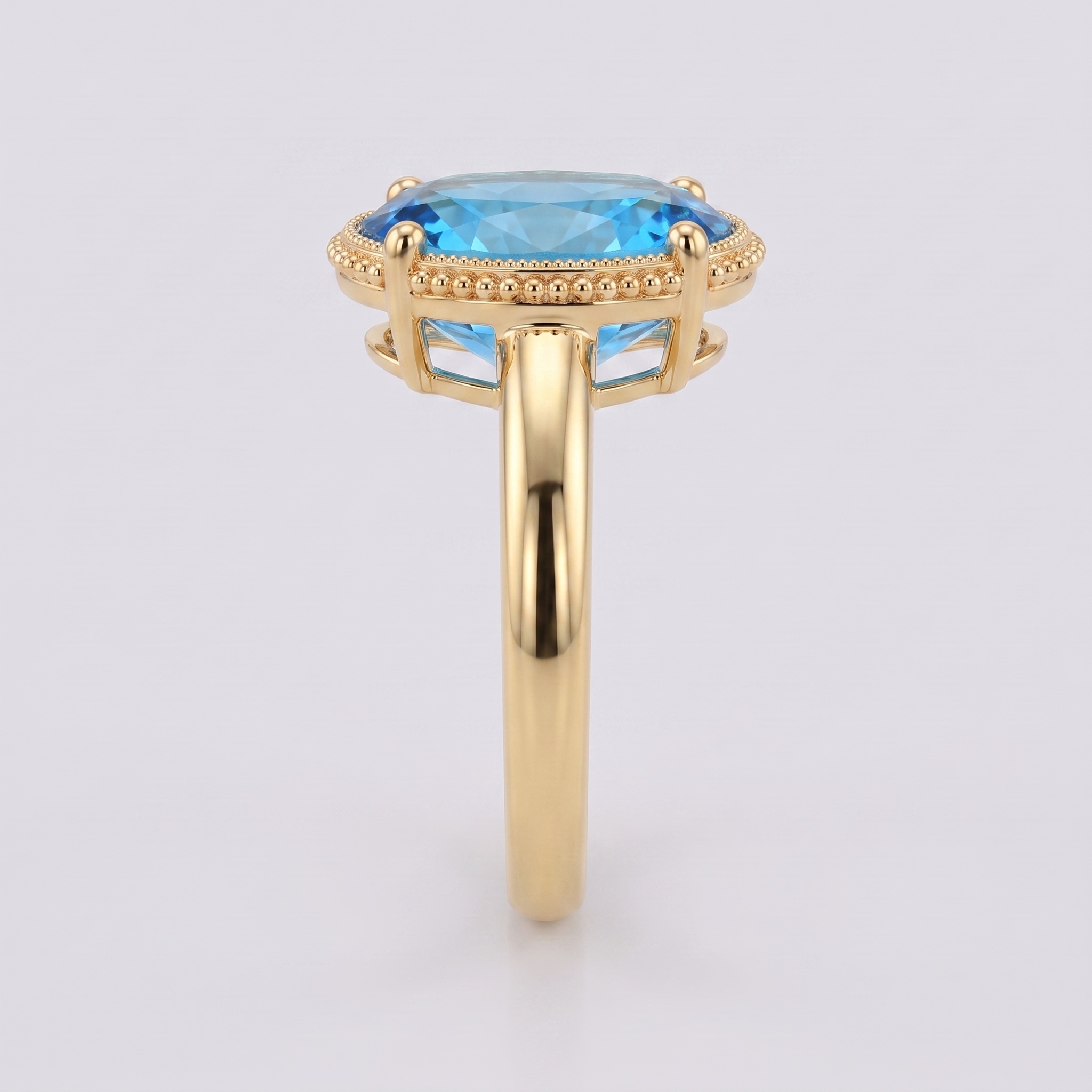
Start Flow: Generate CAD
Loading...
view-isometric.png
Loading...
view-front.png
Loading...
view-side.png
Loading...
view-top.png
·
SI

CAD Generation Completed

I've created 3D CAD files from your jewelry image:

Generated Files:

GLB - Universal 3D format for web viewers

3DM - Rhino, Grasshopper, and CAD software

STL - 3D printing and mesh editing

USDZ - Apple AR Quick Look & iOS

Note: These files are intended for design exploration and communication. They are not finalized for manufacturing and may require further refinement before production.

CAD Files Ready

IMAGE, GLB, STL, 3DM, USDZ available
Start Design Studio Chat
SI

Welcome to Design Studio

I'm your jewelry design assistant with image generation and editing capabilities.

What I can help with:

• Custom designs from text descriptions

• Design modifications with image annotations

• Material variations (metals, stones, finishes)

• Style combinations from multiple references

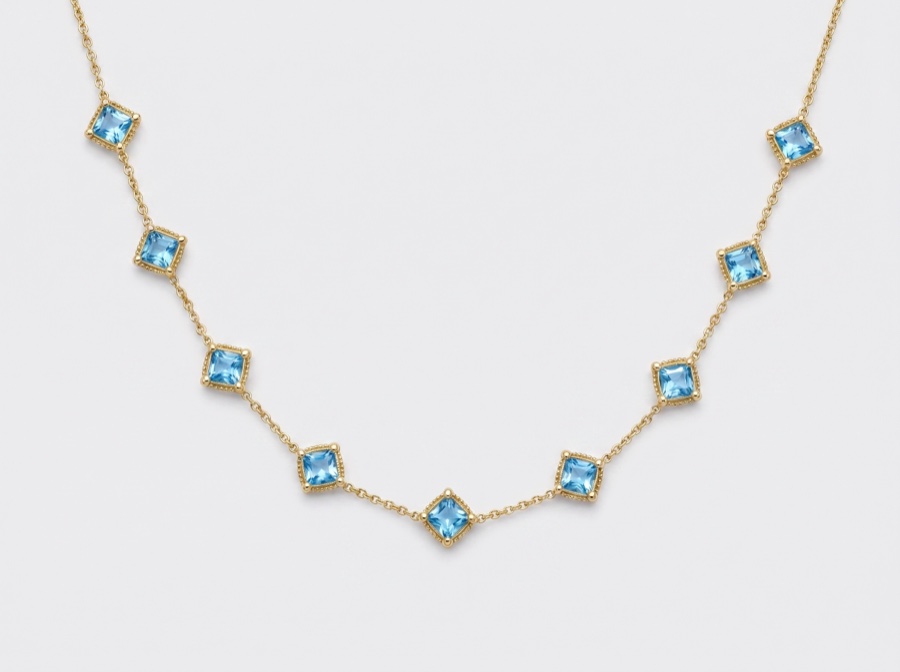
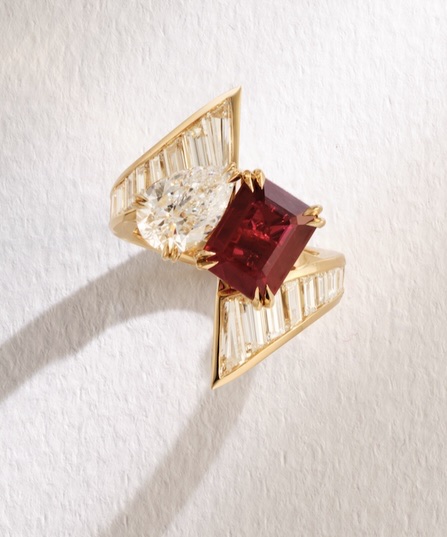
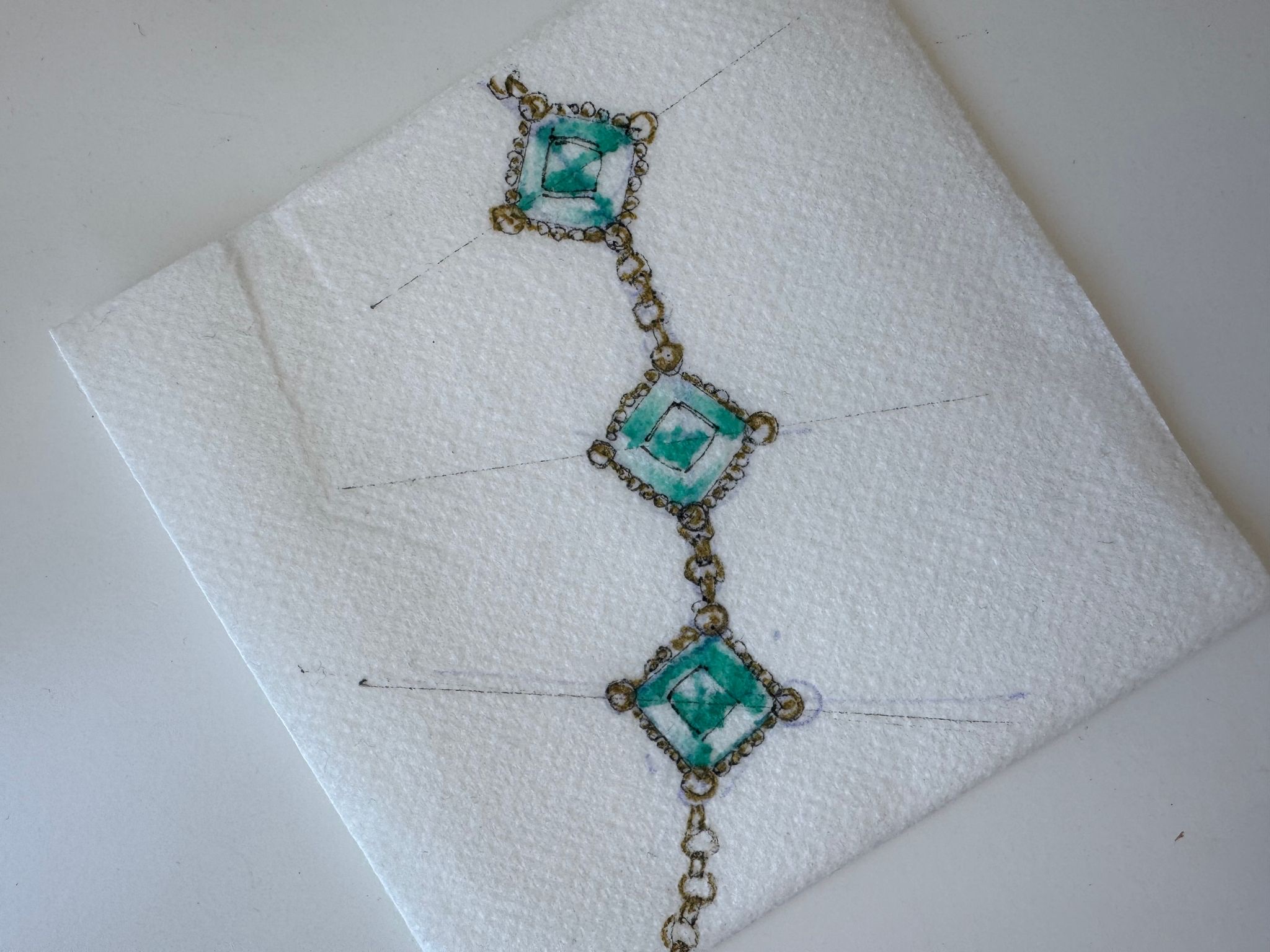
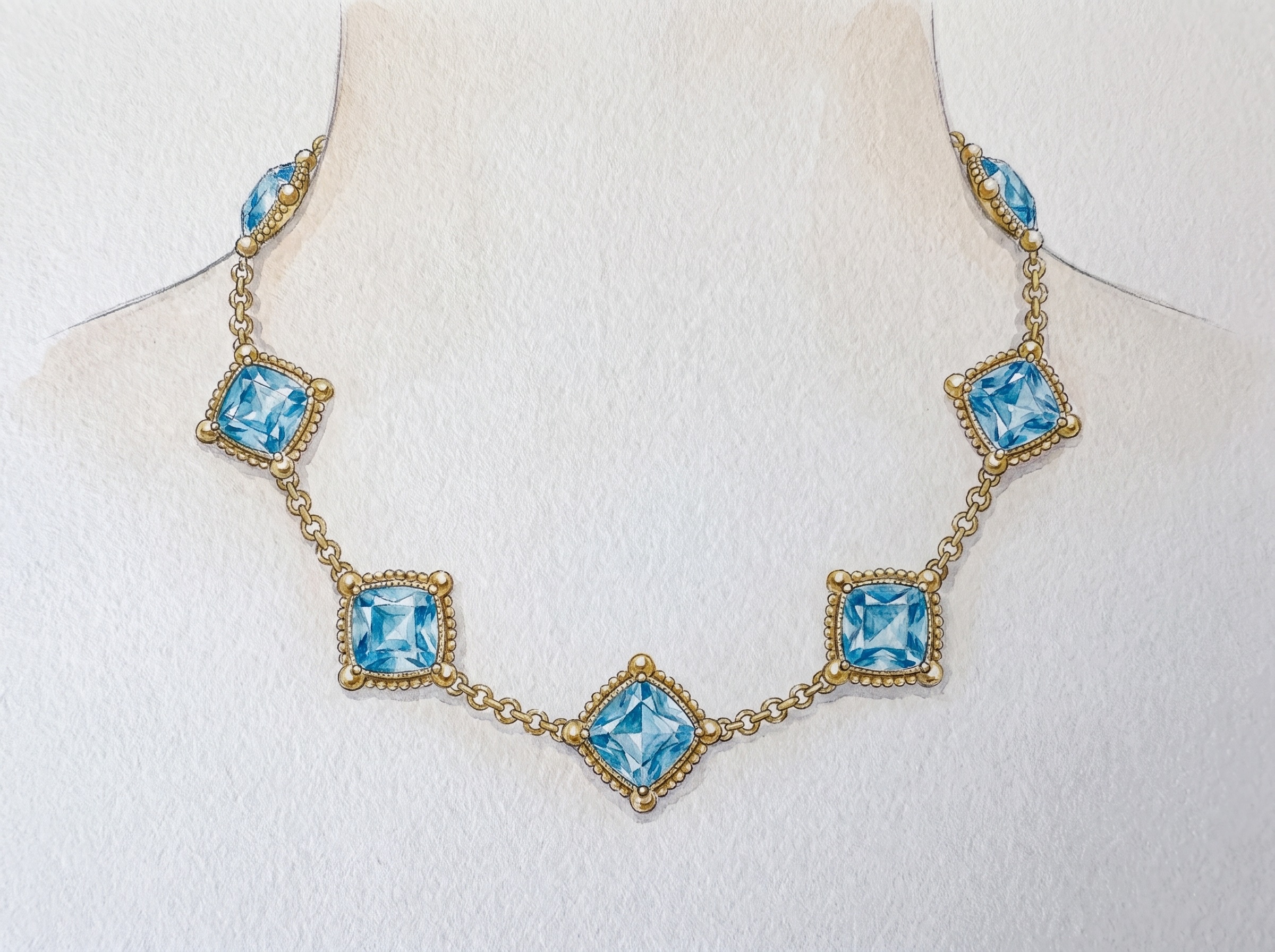
Re-create image, one into a necklace that wraps around a female neck line, placing each of the diagonally positioned cushion cut blue top has Gem Stones about a half inch apart as it raised around the neck. Use design inspiration from image to and recreate in the necklace ball shaped prongs that hold the tip of each cushion cut blue topaz with a mill grain bead finish. Use a rolo chain in between each station to complete the necklace.
Loading...
facet-flow-reference-image-1.png
Loading...
facet-flow-reference-image-2.png
·
SI

Here is your design!

Select a design to annotate, iterate on, or download:

Loading...
facet-flow-generated-design-pro.png
Option 1
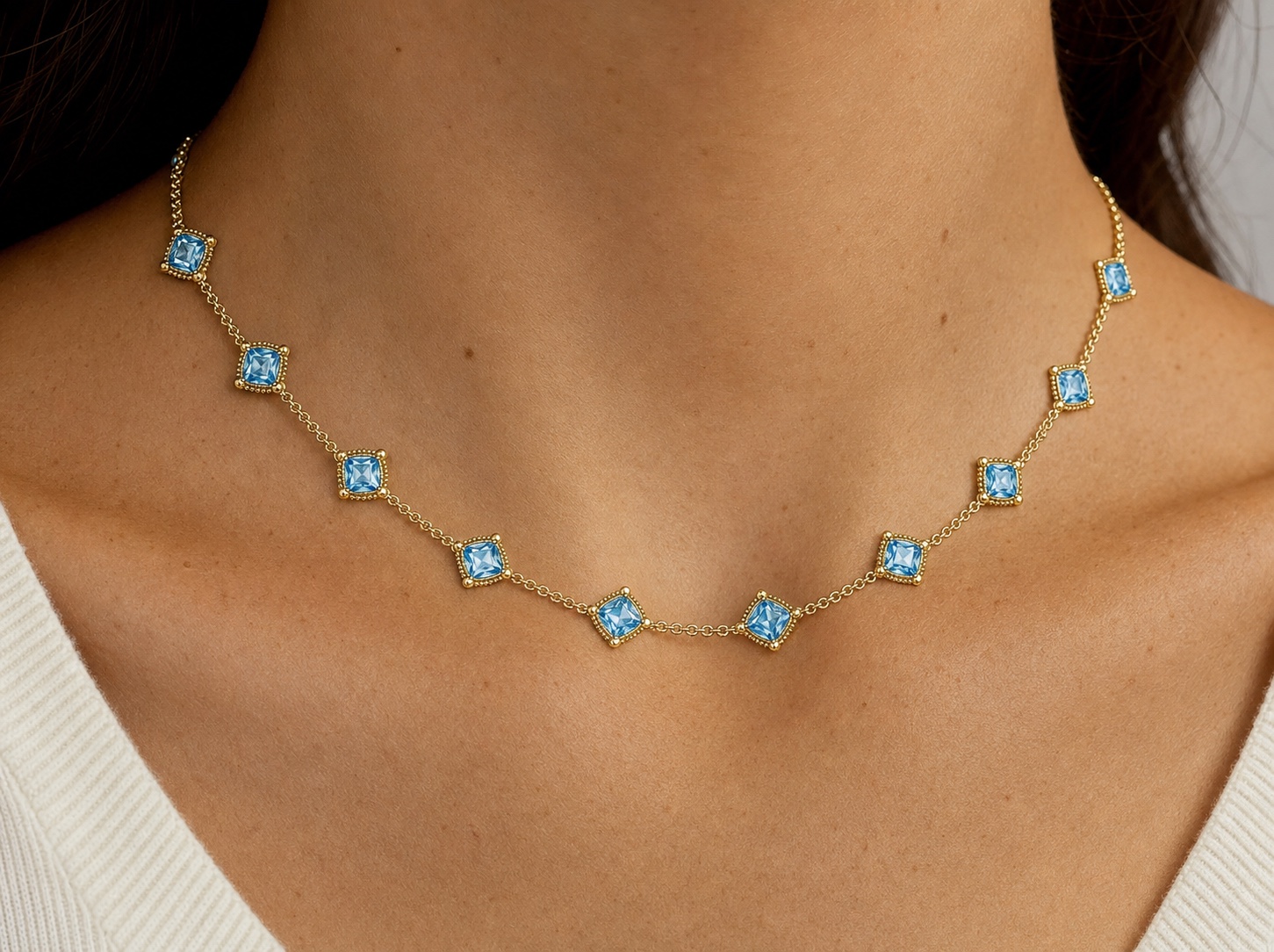
Reimagine image one on a real neck form of a model who has southern European skin. Instead of only having five stations make the stations smaller by half and double the amount of stations are right around the neck so you see at least 10 to 12
Loading...
facet-flow-reference-image-1.png
·
SI

Here is your design!

Select a design to annotate, iterate on, or download:

Loading...
facet-flow-generated-design-pro.png
Option 1
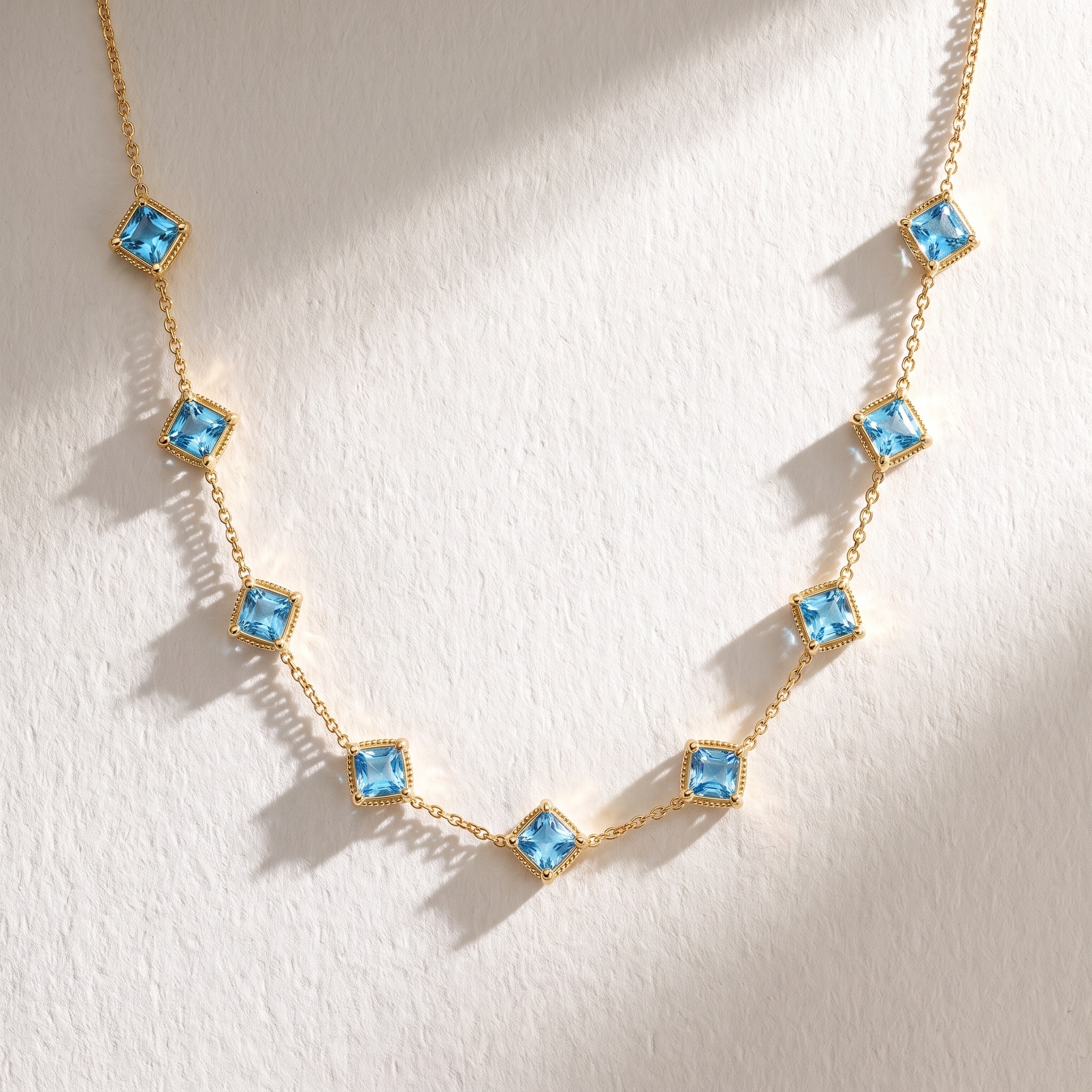
Visualize this necklace to look like real jewelry make sure the metal looks like real polished 18 karat yellow gold and topaz look realistic, use high-end photography, lighting to make the necklace glow
Loading...
facet-flow-reference-image-1.png
·
SI

Here is your design!

Select a design to annotate, iterate on, or download:

Loading...
facet-flow-generated-design-pro.png
Option 1
Transfer: Background
Loading...
source-image-1.png
Loading...
style-reference.png
·
SI

Here is your result.

Select a design to annotate, iterate on, or download:

Loading...
facet-flow-transfer-1788222058251-1.png
Option 1
Start Design Studio Chat
SI

Welcome to Design Studio

I'm your jewelry design assistant with image generation and editing capabilities.

What I can help with:

• Custom designs from text descriptions

• Design modifications with image annotations

• Material variations (metals, stones, finishes)

• Style combinations from multiple references

Visualize image one onto a neck form with Rollo chain. Place image one so it is about a 16 inch length necklace.
Loading...
facet-flow-reference-image-1.png
·
SI

Here is your design!

Select a design to annotate, iterate on, or download:

Loading...
facet-flow-generated-design-pro.png
Option 1
Re-create image, one exactly the same. Replace the rollo chain from image one with the chain and stone station design in image two
Loading...
facet-flow-reference-image-1.png
Loading...
facet-flow-reference-image-2.png
·
SI

Here is your design!

Select a design to annotate, iterate on, or download:

Loading...
facet-flow-generated-design-pro.png
Option 1
Reduce the size of the center pendant by half and increase the number of small cushion cut stations
Loading...
facet-flow-reference-image-1.png
·
SI

Here is your design!

Select a design to annotate, iterate on, or download:

Loading...
facet-flow-generated-design-pro.png
Option 1
Re-create This Necklace exactly the same. Make the spacing between the pendant and each cushion cut station link equal reduce the long stretch of chain between the center pendant and the first cushion cut station.
Loading...
facet-flow-reference-image-1.png
·
SI

Here is your design!

Select a design to annotate, iterate on, or download:

Loading...
facet-flow-generated-design-pro.png
Option 1
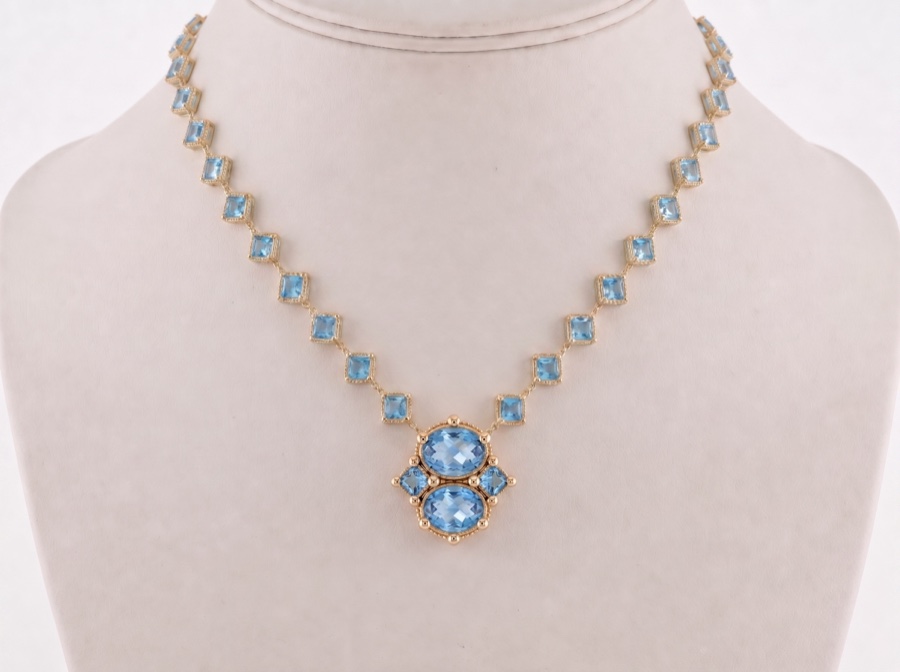
Re-create this necklace exactly the same add more diagonally positioned blue topaz stations to the necklace surveyor closer together reduce the space between each station by 1/3. 
Loading...
facet-flow-reference-image-1.png
·
SI

Here is your design!

Select a design to annotate, iterate on, or download:

Loading...
facet-flow-generated-design-pro.png
Option 1
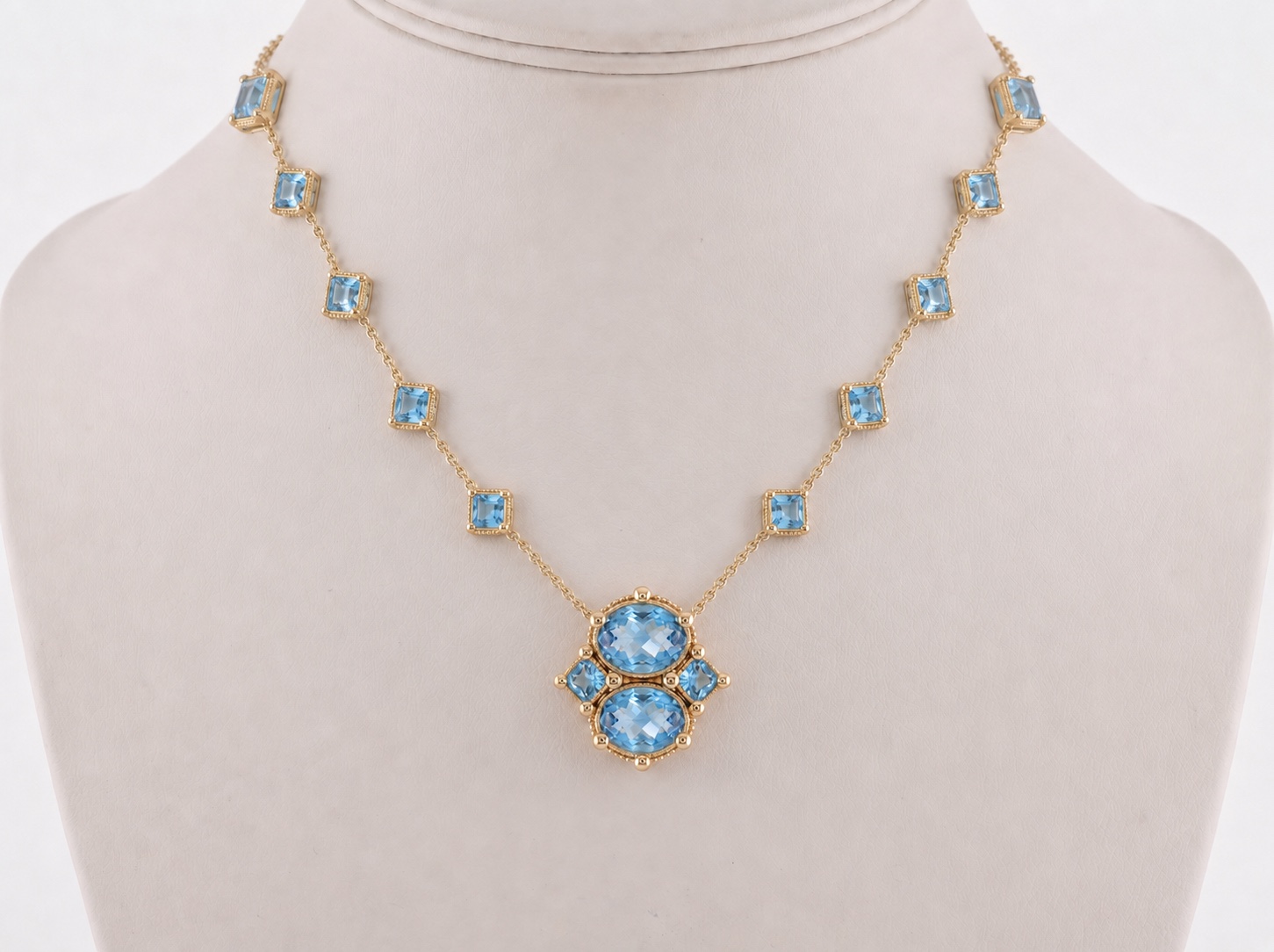
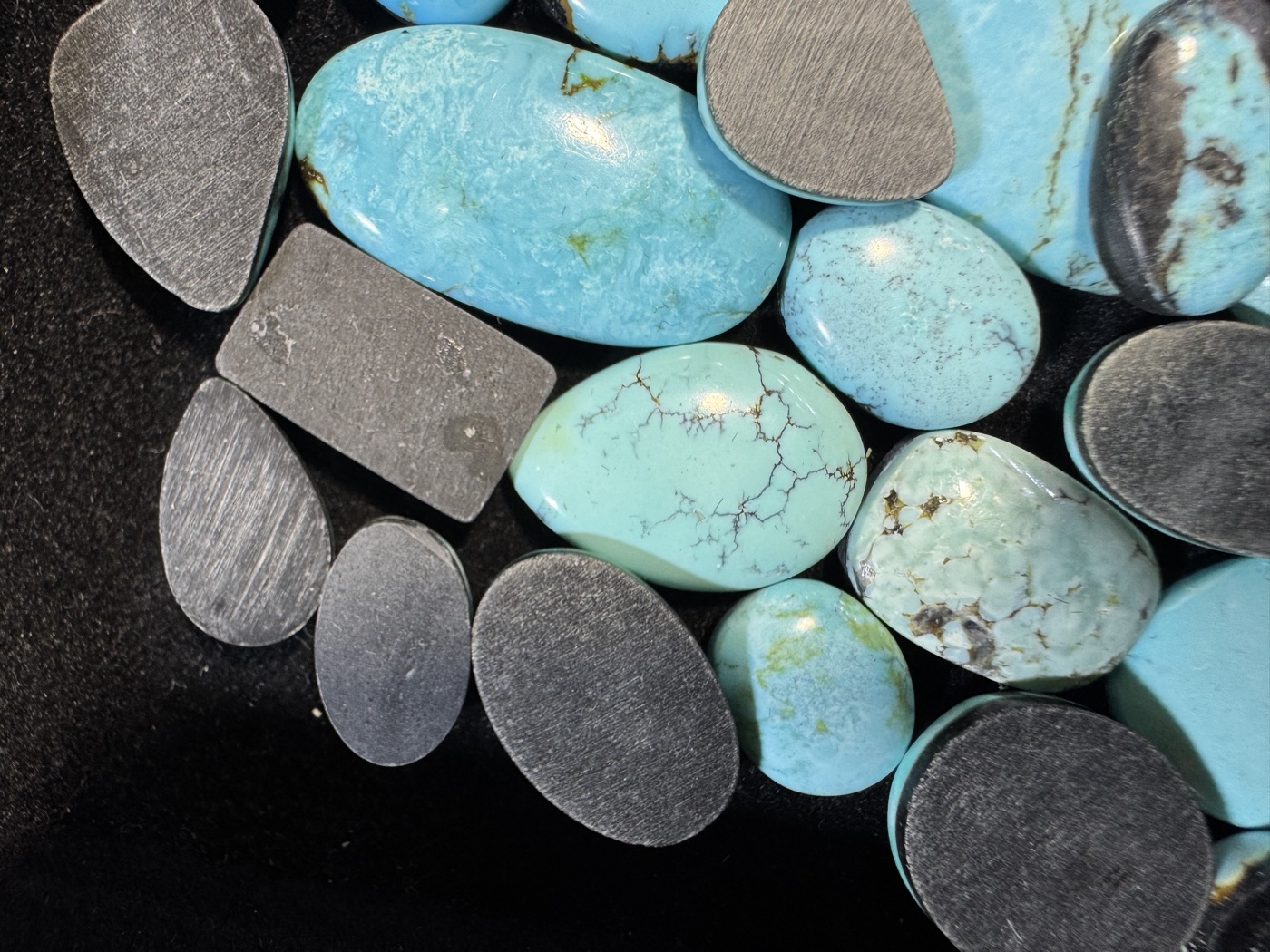
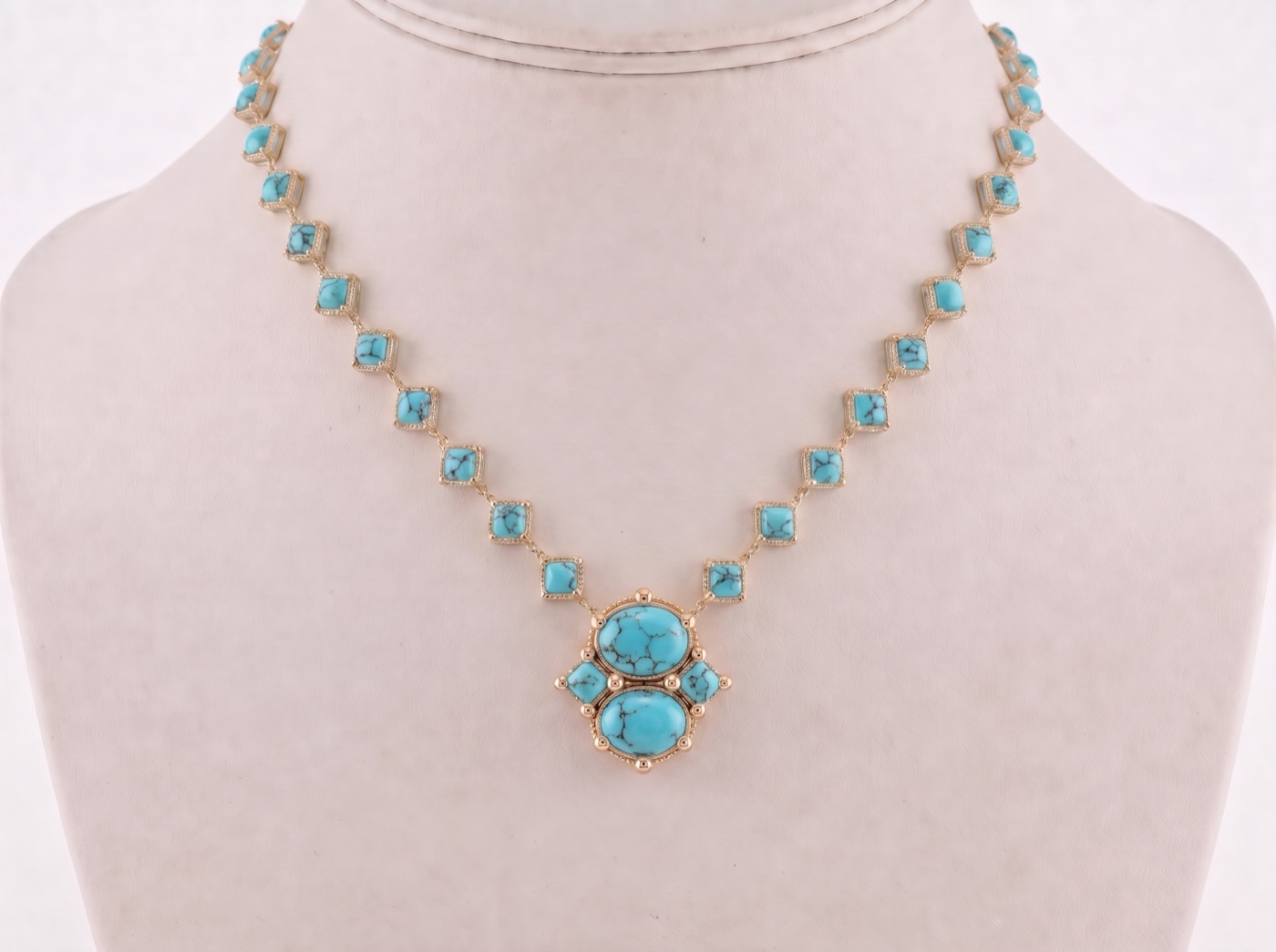
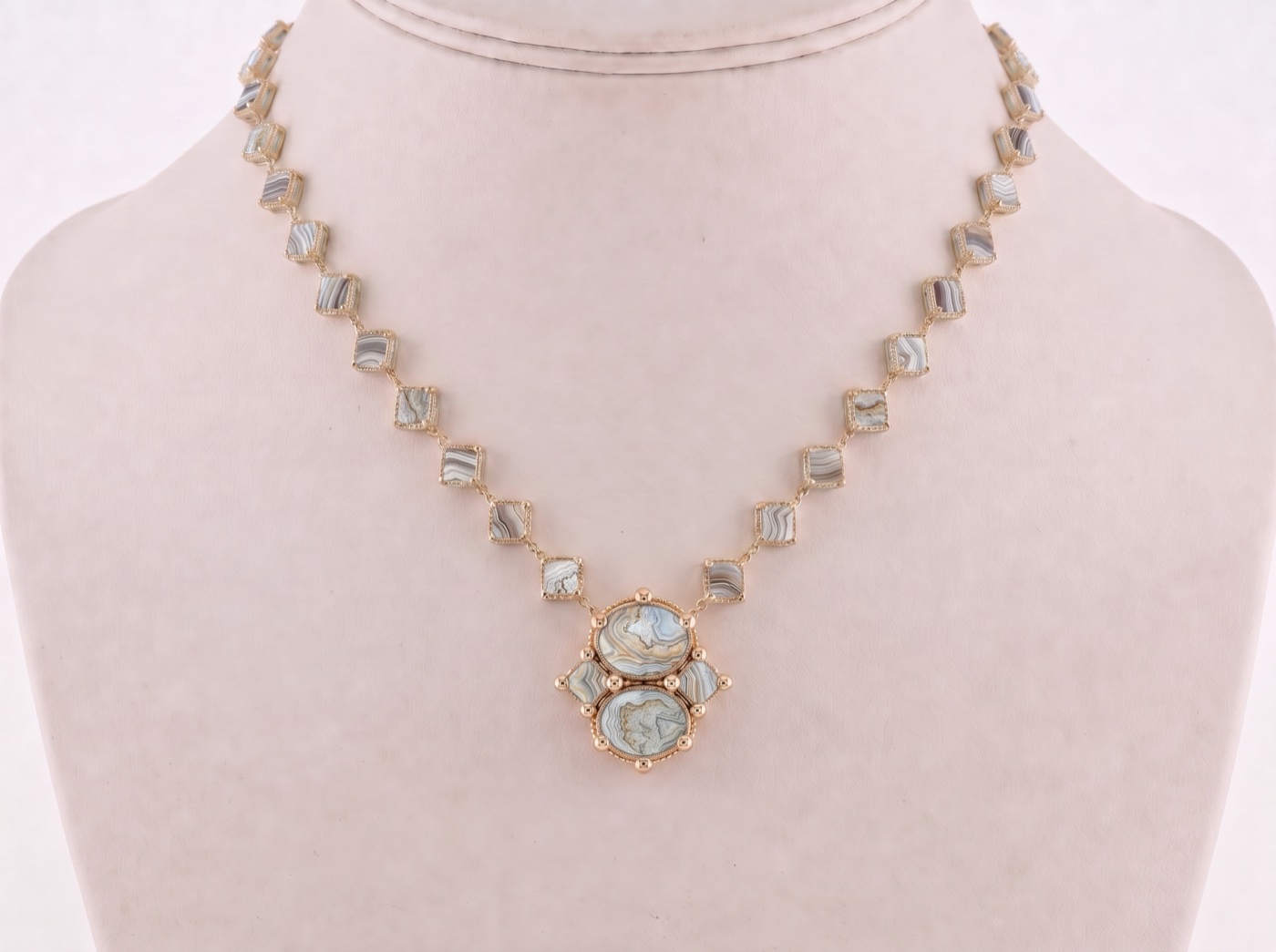
Replace the gemstones in image 1 with the turquoise from image 2. Do not change the design or the photography of image 1 otherwise
Loading...
facet-flow-reference-image-1.png
Loading...
facet-flow-reference-image-2.png
·
SI

Here is your design!

Select a design to annotate, iterate on, or download:

Loading...
facet-flow-generated-design-pro.png
Option 1
Replace the gemstones in image 1 with the stones from image 2. Do not change the design or the photography of image 1 otherwise
Loading...
facet-flow-reference-image-1.png
Loading...
facet-flow-reference-image-2.png
·
SI

Here is your design!

Select a design to annotate, iterate on, or download:

Loading...
facet-flow-generated-design-pro.png
Option 1
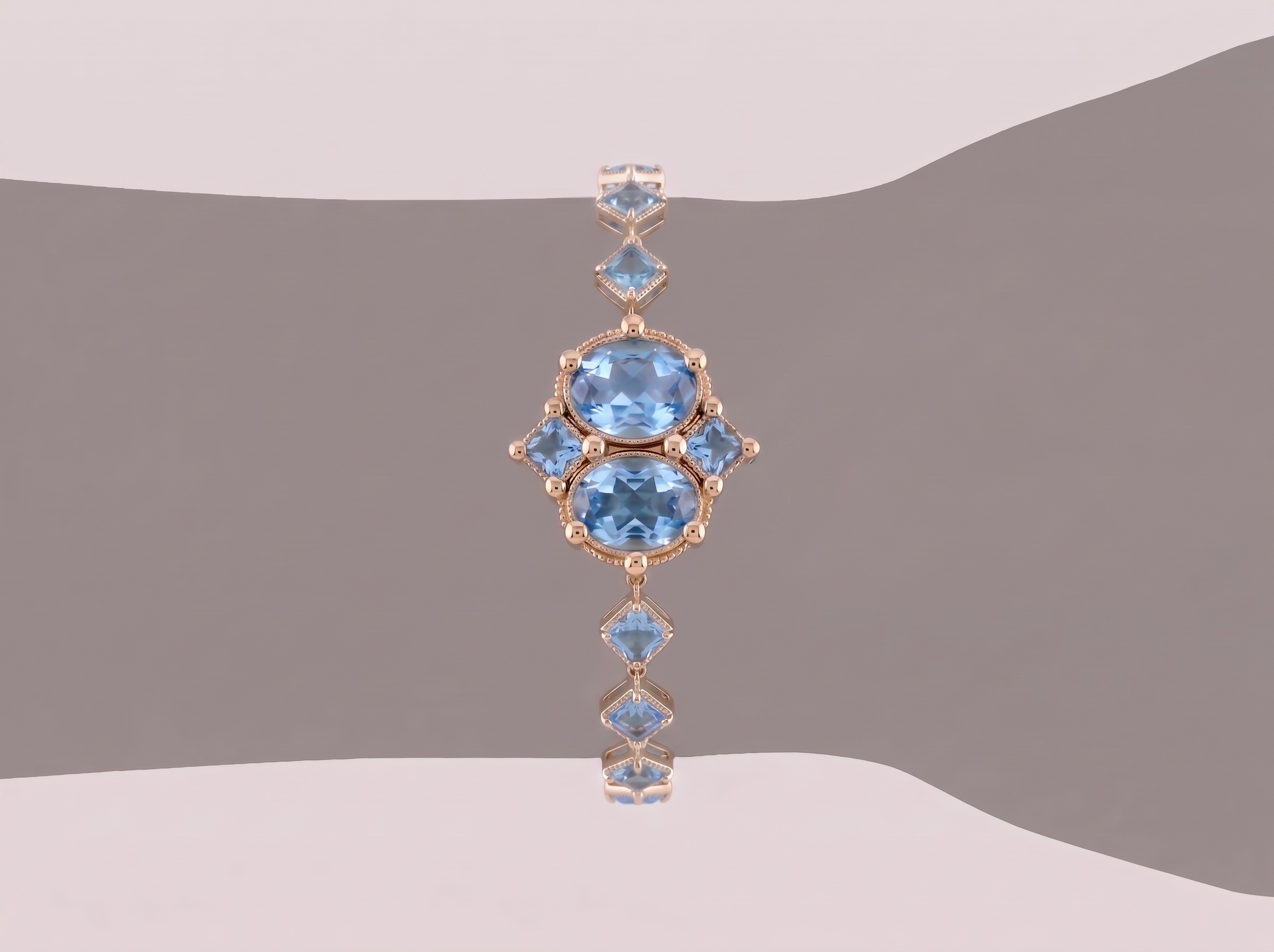
Turn this necklace into a bracelet with the center pendant of the necklace becomes the center detail of the bracelet and takes up approximately 1/3 the width of a wrist designed this bracelet on a silhouette of a Model's wrist. Connect the cushion, cut diagonally, positioned station links to the cushion cut settings so the chain continues with the same pattern connected to the cushion cuts only.
Loading...
facet-flow-reference-image-1.png
·
SI

Here is your design!

Select a design to annotate, iterate on, or download:

Loading...
facet-flow-generated-design-pro.png
Option 1
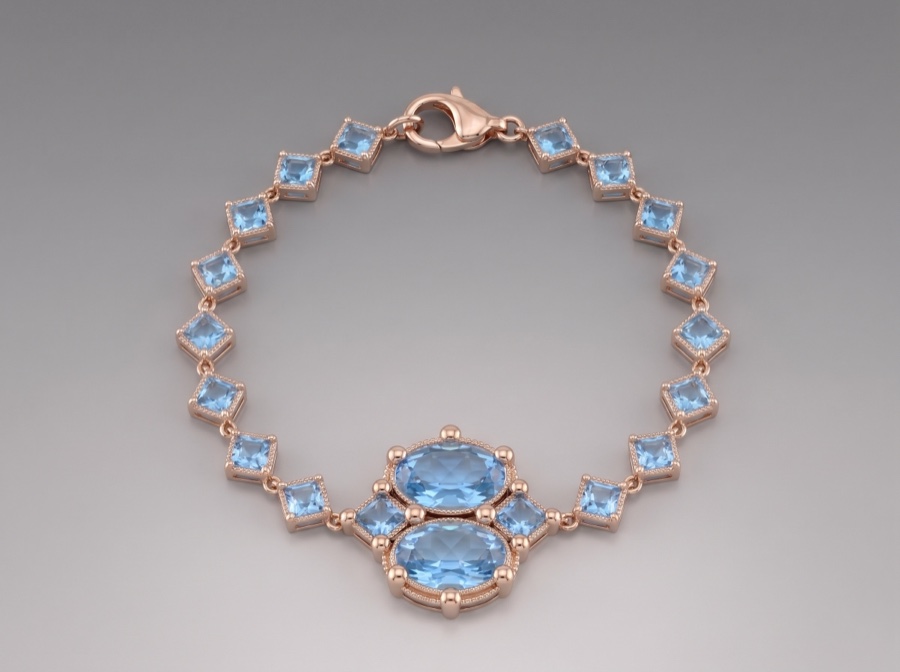
Show this exact design of a bracelet, arranged with all the stones facing up in a circle like a product photography of a real bracelet use a beautiful lobster claw clasp
facet-flow-reference-image-1.png
·
SI

Here is your design!

Select a design to annotate, iterate on, or download:

Loading...
facet-flow-generated-design-pro.png
Option 1
Start Design Studio Chat
SI

Welcome to Design Studio

I'm your jewelry design assistant with image generation and editing capabilities.

What I can help with:

• Custom designs from text descriptions

• Design modifications with image annotations

• Material variations (metals, stones, finishes)

• Style combinations from multiple references

Personalized Jewelry Builder

Ring • Balanced, Creative, Experimental, Precise

Reference Images & Feedback

Reference 1

Image 1

Likes
  • the stone color
Dislikes
  • matte band
  • side stones
  • too many stones
  • prong type
Reference 2

Image 2

Likes
  • stone oval shape but vertically set
Dislikes
  • number of stones
SI

Select a design to annotate, iterate on, or download:

facet-flow-jewelry-builder-Precise-1.png
Precise
facet-flow-jewelry-builder-Balanced-2.png
Balanced
facet-flow-jewelry-builder-Creative-3.png
Creative
Loading...
facet-flow-jewelry-builder-Experimental-4.png
Experimental
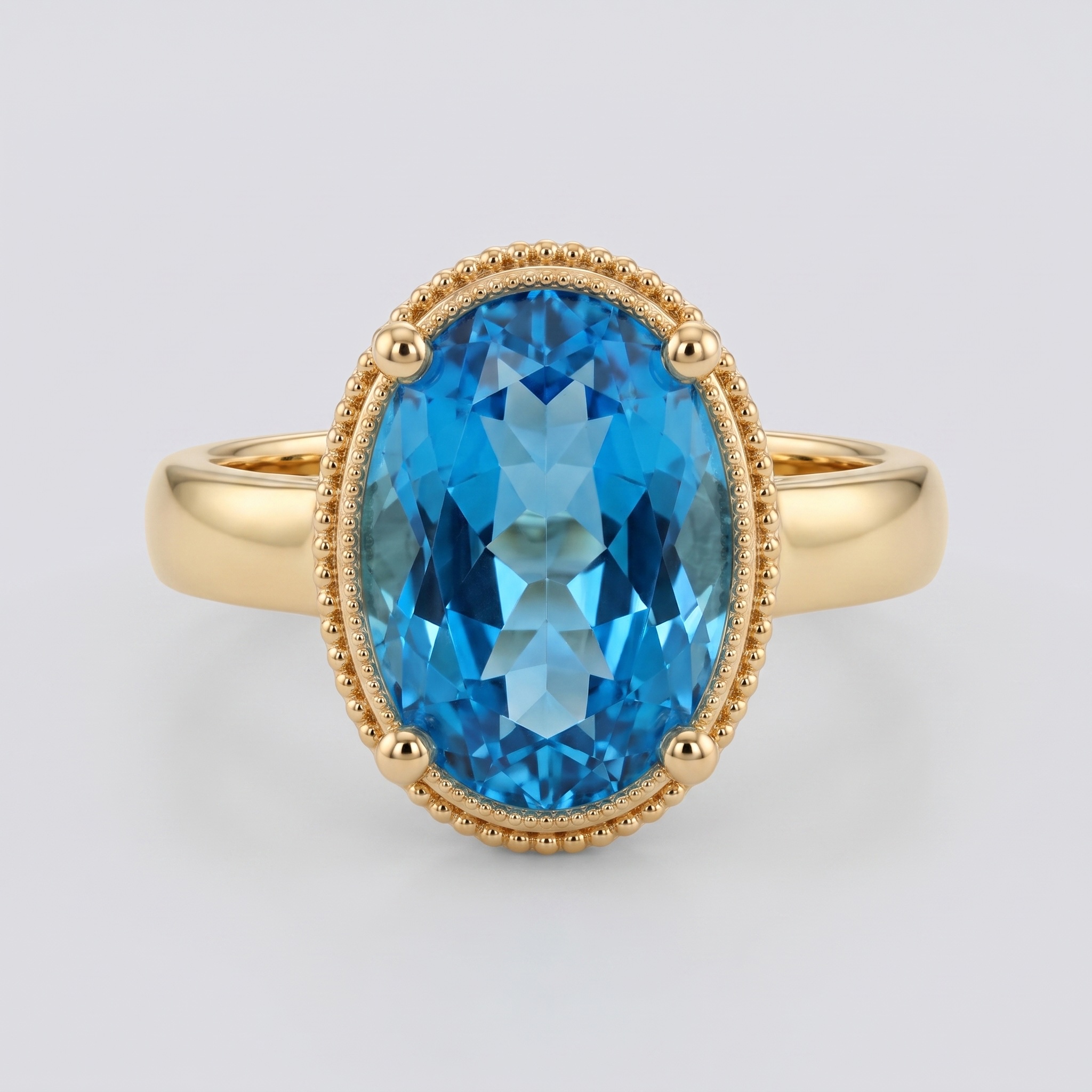
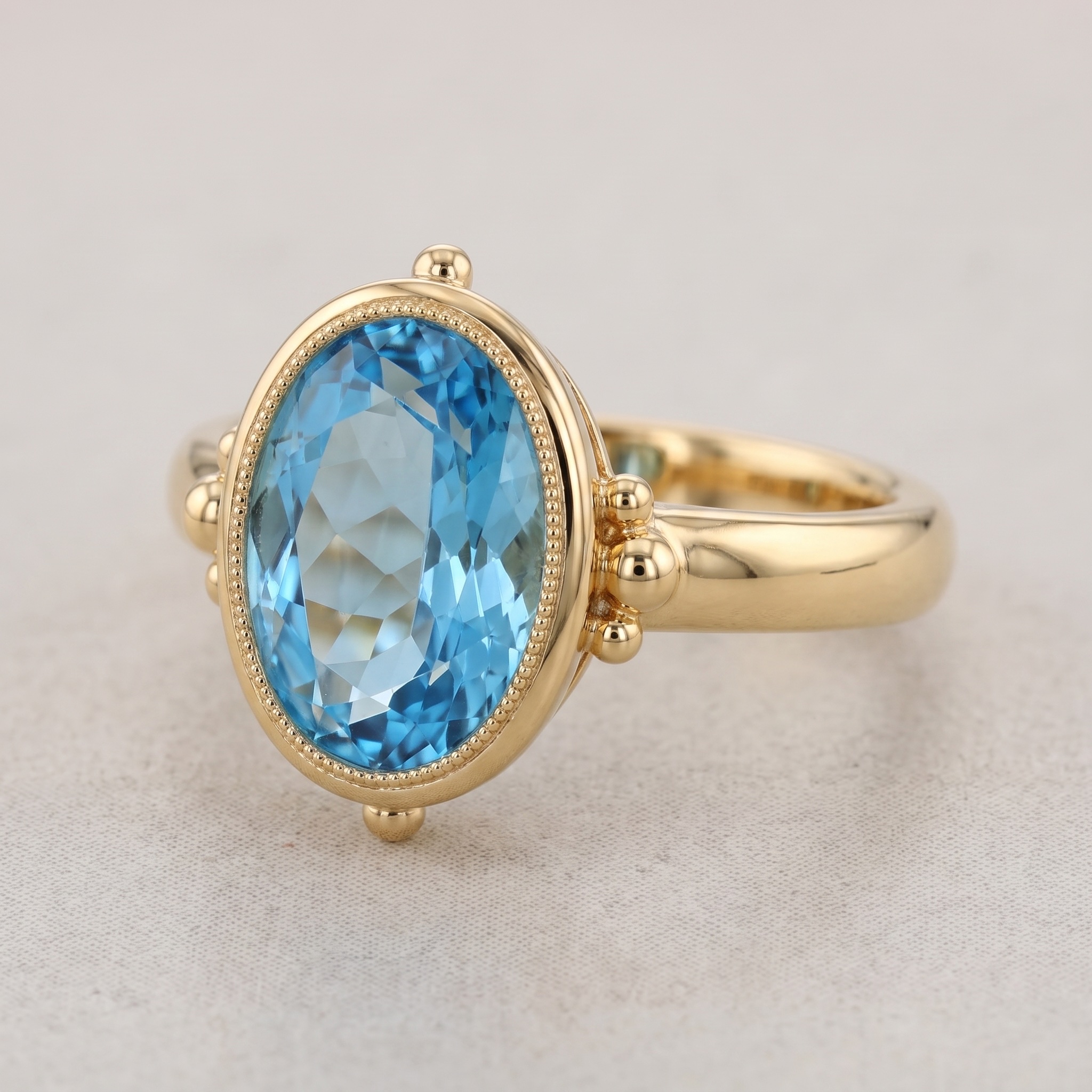
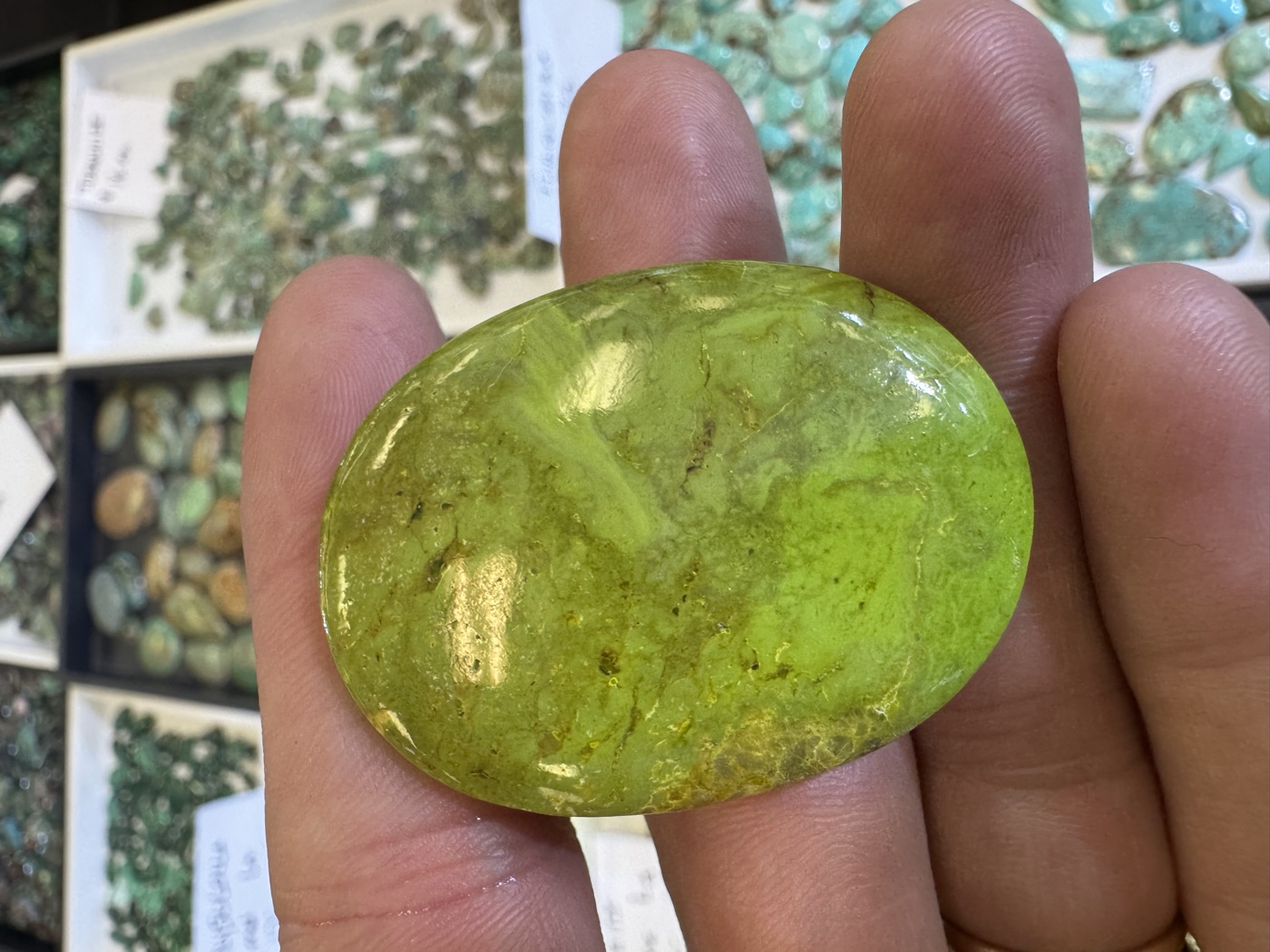
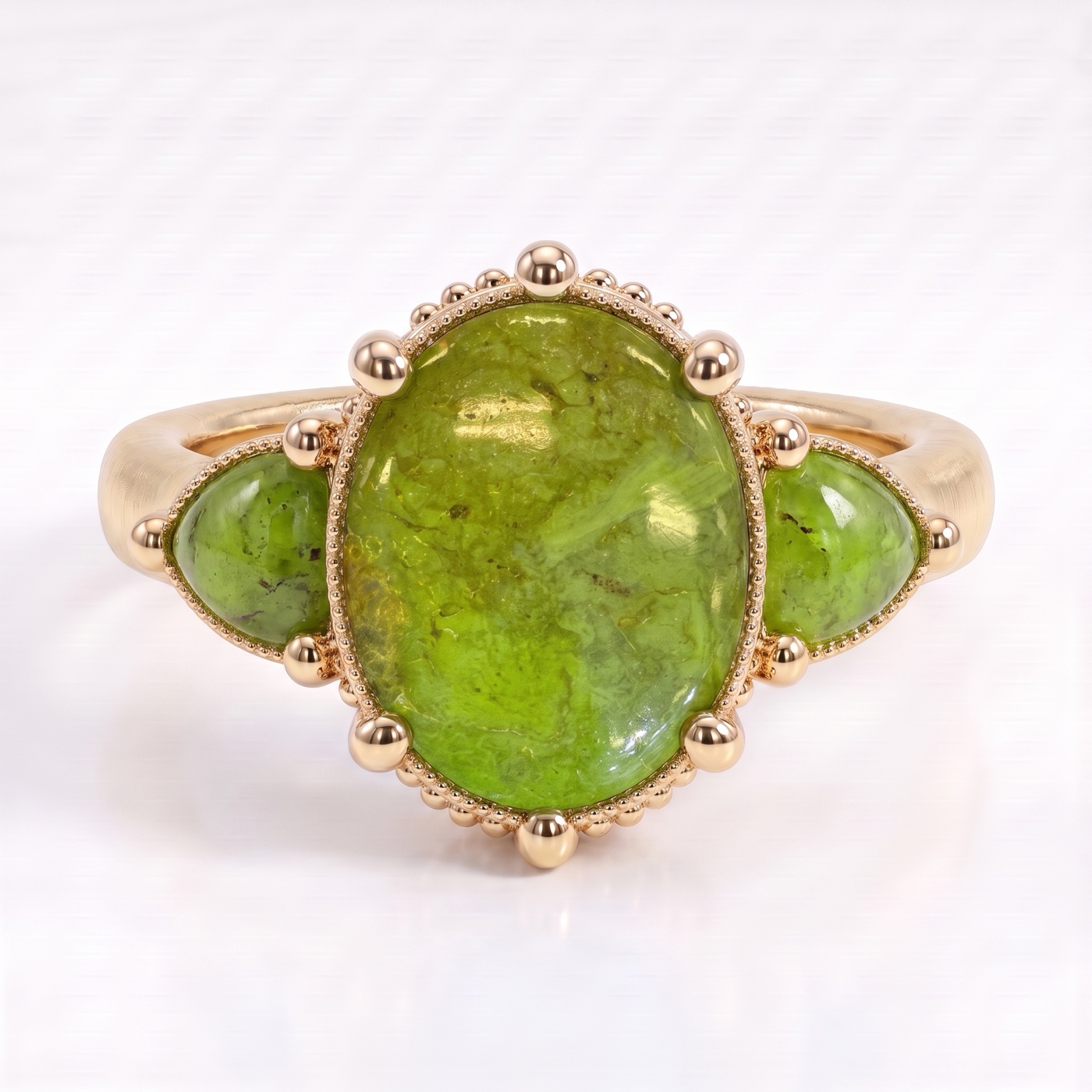
Replace the gemstones in image 1 with the green stone from image 2 and add trillion side stones. Do not change the design or the photography of image 1 otherwise
Loading...
facet-flow-reference-image-1.png
Loading...
facet-flow-reference-image-2.png
·
SI

Here is your design!

Select a design to annotate, iterate on, or download:

Loading...
facet-flow-generated-design-pro.png
Option 1
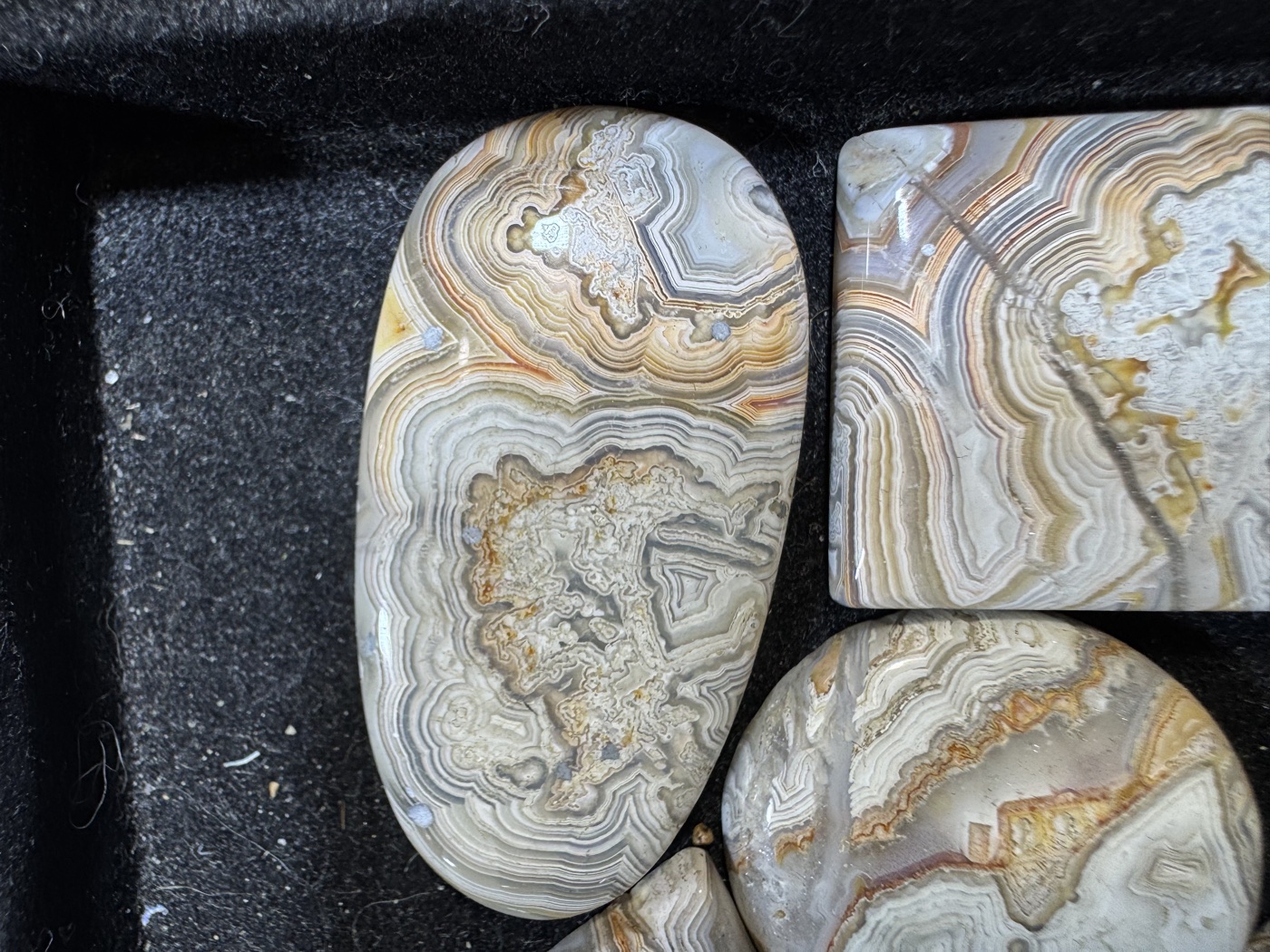
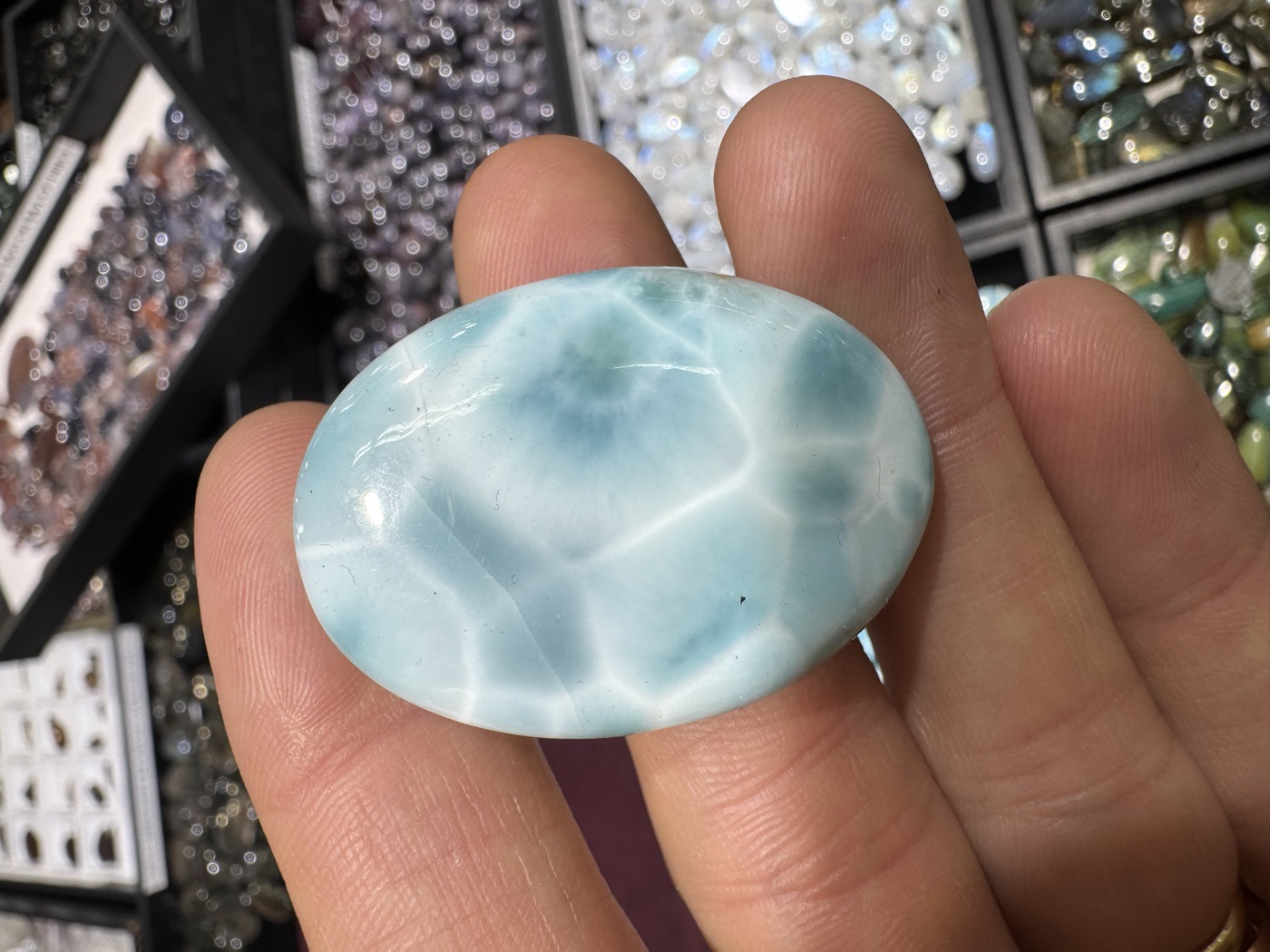
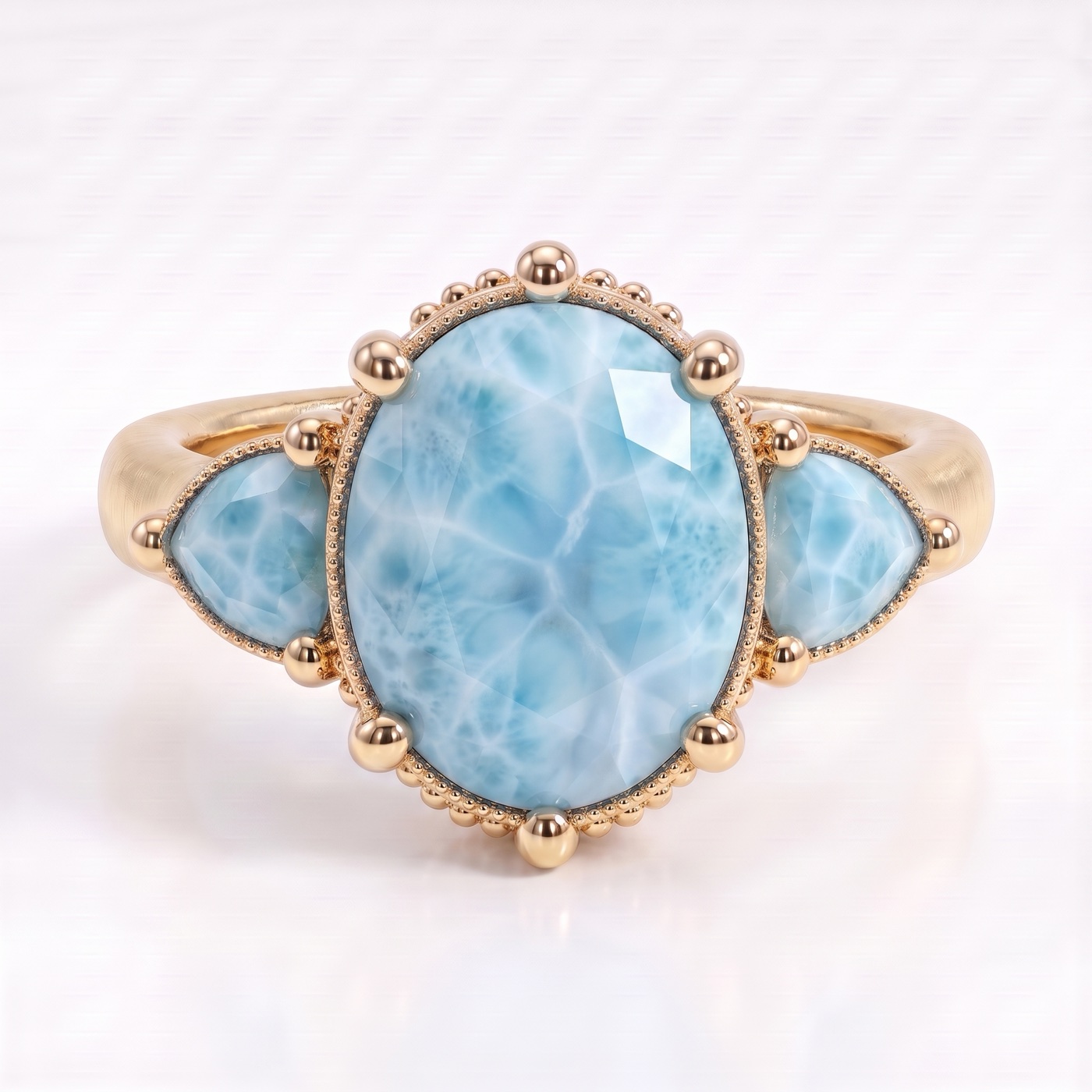
Replace the gemstones in image 1 with the larimar from image 2 and add trillion side stones. Do not change the design or the photography of image 1 otherwise
Loading...
facet-flow-reference-image-1.png
Loading...
facet-flow-reference-image-2.png
·
SI

Here is your design!

Select a design to annotate, iterate on, or download:

Loading...
facet-flow-generated-design-pro.png
Option 1
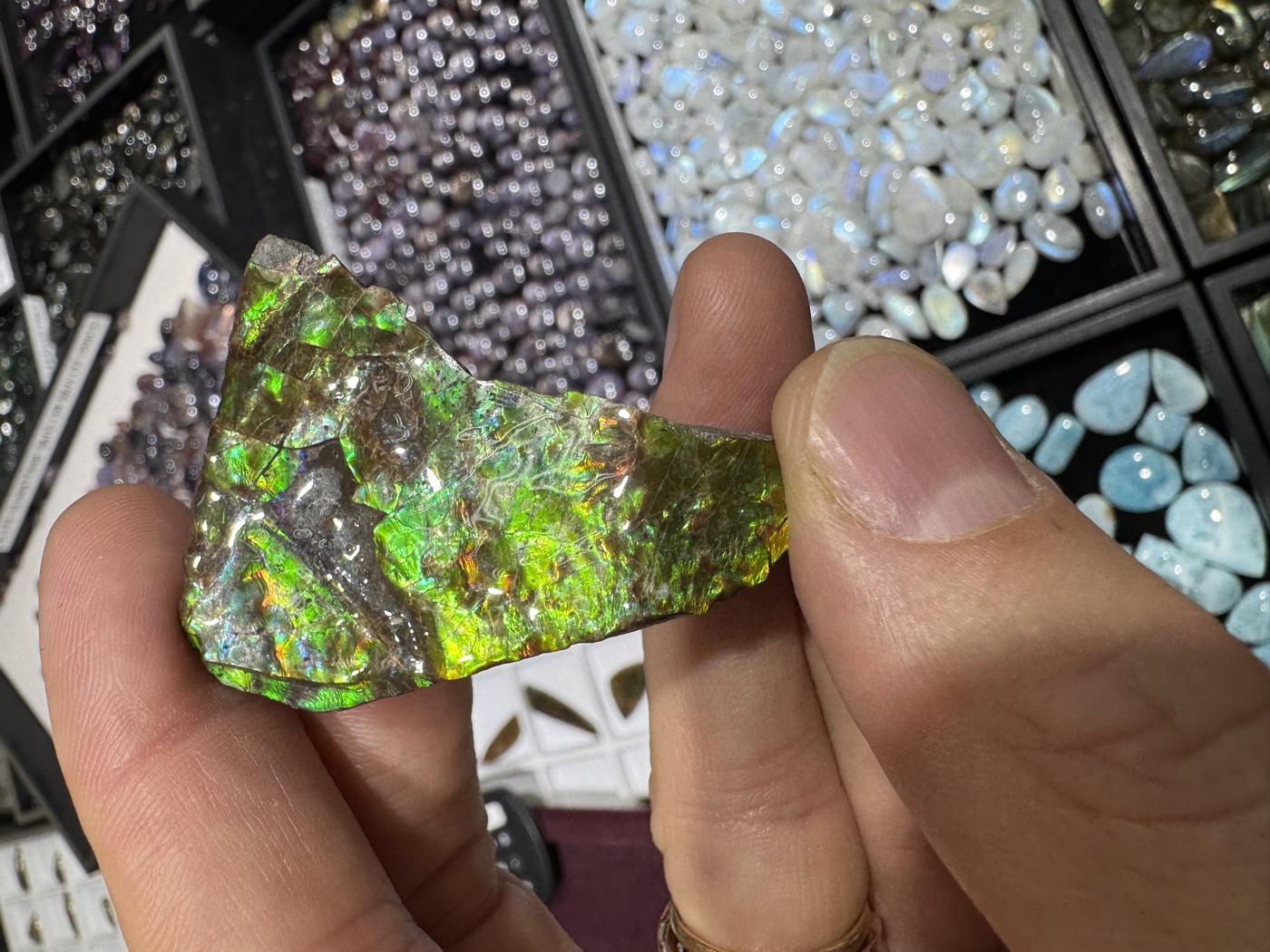
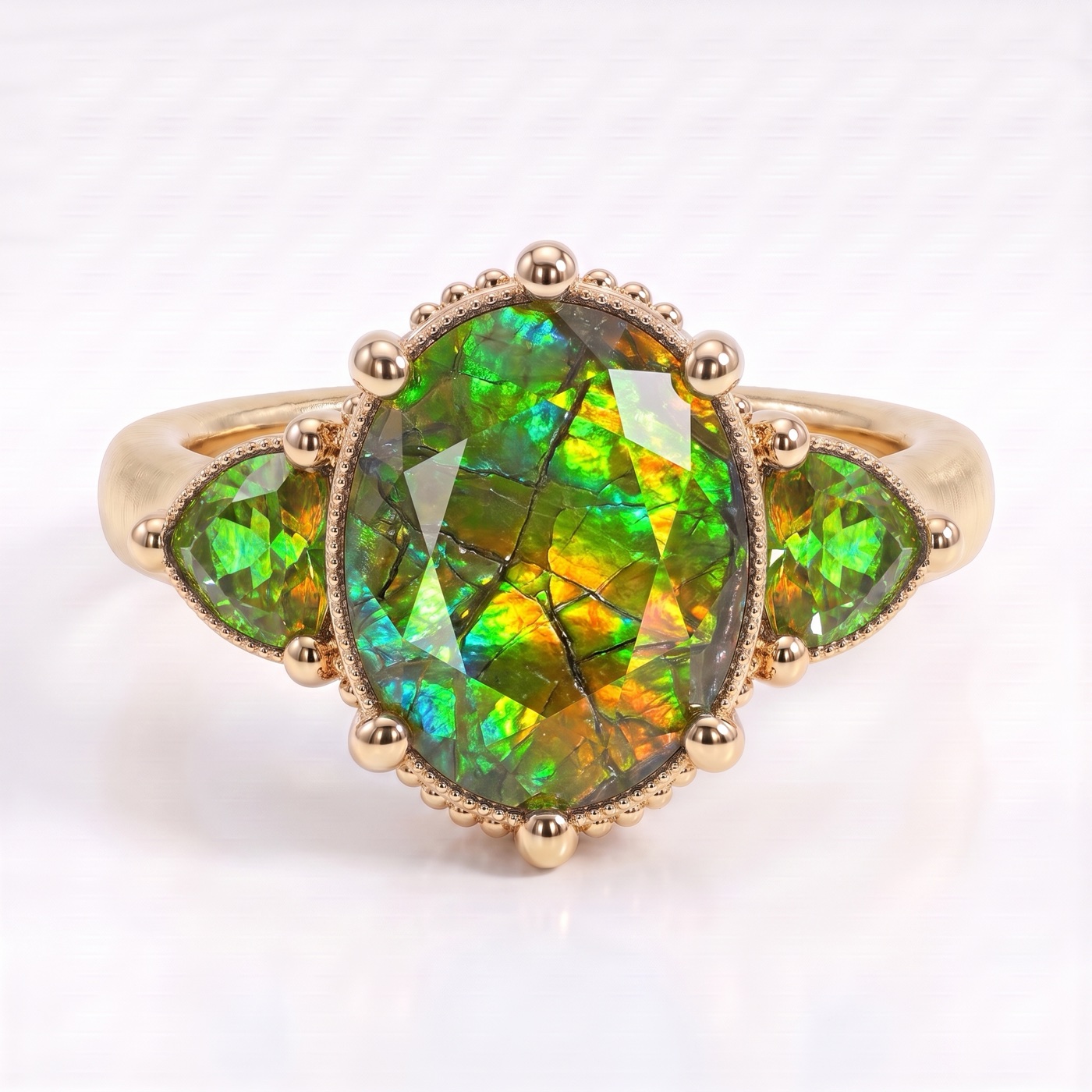
Replace the gemstones in image 1 with the ammolite from image 2 and add trillion side stones. Do not change the design or the photography of image 1 otherwise
Loading...
facet-flow-reference-image-1.png
Loading...
facet-flow-reference-image-2.png
·
SI

Here is your design!

Select a design to annotate, iterate on, or download:

Loading...
facet-flow-generated-design-pro.png
Option 1
Start Flow: Generate CAD
view-isometric.png
view-front.png
view-side.png
view-top.png
·
SI

CAD Generation Completed

I've created 3D CAD files from your jewelry image:

Generated Files:

GLB - Universal 3D format for web viewers

3DM - Rhino, Grasshopper, and CAD software

STL - 3D printing and mesh editing

USDZ - Apple AR Quick Look & iOS

Note: These files are intended for design exploration and communication. They are not finalized for manufacturing and may require further refinement before production.

CAD Files Ready

IMAGE, GLB, STL, 3DM, USDZ available
Flows

Workflows for jewelry design and production.

Design & Editing

2+
1+
1+
5

Engineering & Manufacturing

1
1+
1+
8

Credits are deducted when a flow completes

Generate CAD

Add views to create a 3D CAD model

Ring · front + side required

front reference

Front *

side reference

Side *

top reference

Top

isometric reference

Isometric

Upload a view to start

Upload a view to start

Ask about rings, stones, pricing, etcARFLOWS